Blur Images With ImageMagick
Create lock screens and frosted backgrounds


Blur Effect
There are various use-cases for applying a blur effect to images—whether it is creating a frosted background for a lock screen or designing an interactive puzzle that gradually reveals an image as the blur reduces.
ImageMagick
ImageMagick is an incredibly powerful, open-source tool used for creating, editing, converting, and manipulating images. It supports over 200 formats.
You can download it for your machine here: - https://imagemagick.org/download/#gsc.tab=0
I highly recommend checking out some of our previous blogs where we leveraged ImageMagick for various effects, formats, and conversions:
- JPEG-XL vs AVIF
- Measuring SSIM/DSSIM
- Chroma Subsampling
- BMP vs PNG
- JPEG-XL
- PNG Compression
- Image Information
- Baseline vs Progressive JPEG
- JPEG to WebP Conversion
The Command
To apply a blur, we use the following syntax:
magick {input} -quality {} -blur {radius x sigma} {output}
The -blur option accepts a radius x sigma format. Here is what the official ImageMagick documentation says about both parameters:
“The sigma value is the important argument, and determines the actual amount of blurring that will take place.”
“The radius is only used to determine the size of the array which holds the calculated Gaussian distribution. It should be an integer. If not given, or set to zero, IM will calculate the largest possible radius that will provide meaningful results for the Gaussian distribution.”
“The larger the Radius the slower the operation is. However too small a Radius, and severe aliasing effects may result. As a guideline, Radius should be at least twice the Sigma value, though three times will produce a more accurate result.”
As the documentation highlights, the sigma value is the crucial factor in achieving the desired blur effect. By setting the radius to 0, we allow ImageMagick to automatically calculate the optimal radius for our chosen sigma.
Sigma: Is There a Maximum Allowed Value?
ImageMagick docs leave a lot to be desired. Here is one such instance-The maximum allowed value for sigma is never explicitly defined. I did my own research and concluded that there isn’t a hardcoded maximum value. However, there is a practical limit. At a certain point, the image reaches its maximum blur potential, and increasing the sigma value further stops yielding visually different results.
I have illustrated this below, pushing the blur effect all the way up to a sigma of 100.
Execution
magick cloudymountains.jpg -quality 90 -blur 0x4 cloudymountains-b4.jpg
magick cloudymountains.jpg -quality 90 -blur 0x8 cloudymountains-b8.jpg
magick cloudymountains.jpg -quality 90 -blur 0x12 cloudymountains-b12.jpg
magick cloudymountains.jpg -quality 90 -blur 0x20 cloudymountains-b20.jpg
magick cloudymountains.jpg -quality 90 -blur 0x40 cloudymountains-b40.jpg
magick cloudymountains.jpg -quality 90 -blur 0x100 cloudymountains-b100.jpg
magick cloudymountains.jpg -quality 90 -blur 0x4 cloudymountains-b4.webp
magick cloudymountains.jpg -quality 90 -blur 0x8 cloudymountains-b8.webp
magick cloudymountains.jpg -quality 90 -blur 0x12 cloudymountains-b12.webp
magick cloudymountains.jpg -quality 90 -blur 0x20 cloudymountains-b20.webp
magick cloudymountains.jpg -quality 90 -blur 0x40 cloudymountains-b40.webp
magick cloudymountains.webp -quality 90 -blur 0x100 cloudymountains-b100.webp
Outputs
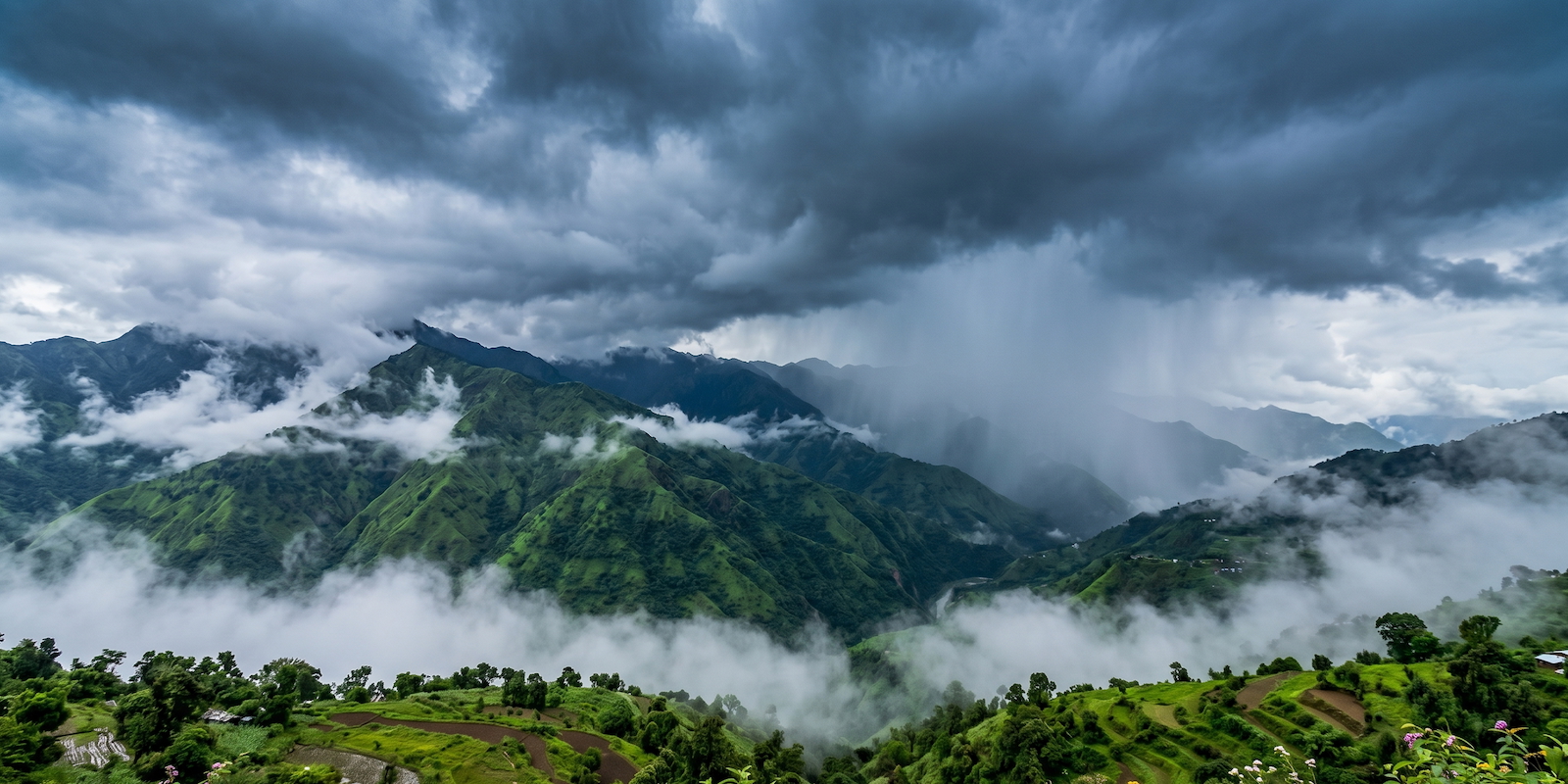
Original:
Blur effect: 4
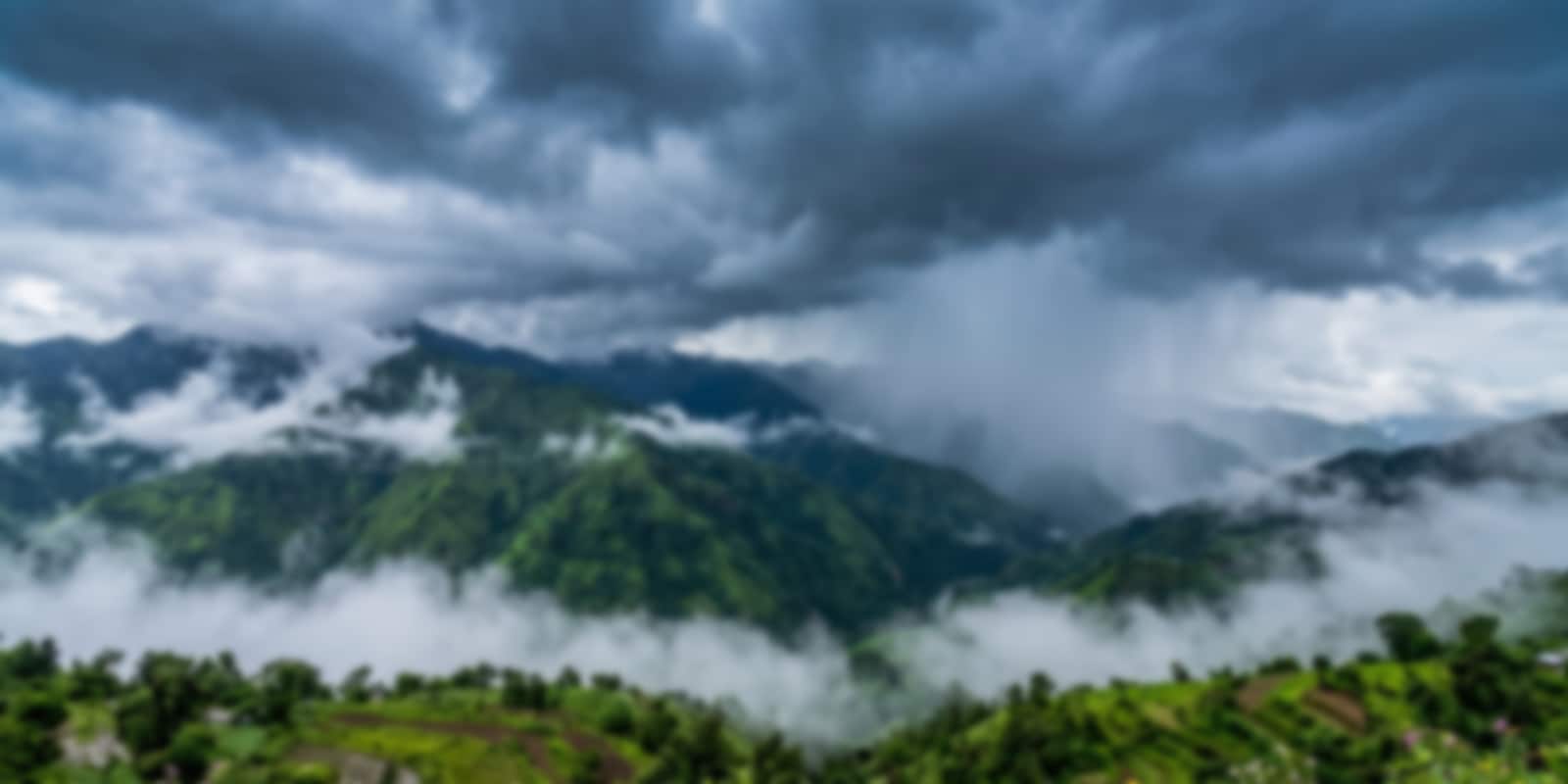
Blur effect: 8

Blur effect: 12

Blur effect: 20

Blur effect: 40

Blur effect: 100

As you can see, the image gradually blurs, and the difference remains visually distinct at each step, even between 40 and 100.
Pushing Blur to Gigantic Proportions
What happens if we take the sigma value to the extreme?
I ran the following commands on a highly capable machine (an M4 16-inch MacBook Pro), yet the sheer volume of math required to calculate a sigma of 1000 almost entirely maxed out a CPU core.
time magick cloudymountains.jpg -quality 90 -blur 0x1000 cloudymountains-b1000.webp
magick cloudymountains.jpg -quality 90 -blur 0x1000 cloudymountains-b1000.web  37.67s user 0.36s system 97% cpu 39.086 total
time magick cloudymountains.jpg -quality 90 -blur 0x1000 cloudymountains-b1000.jpg
magick cloudymountains.jpg -quality 90 -blur 0x1000 cloudymountains-b1000.jpg  41.94s user 0.38s system 97% cpu 43.287 total
Total time spent: An incredibly high 39 and 43 seconds, respectively. Because of how the Gaussian blur matrix scales, a sigma of 1000 forces the computer to perform millions of complex mathematical calculations per pixel, creating a heavy bottleneck.
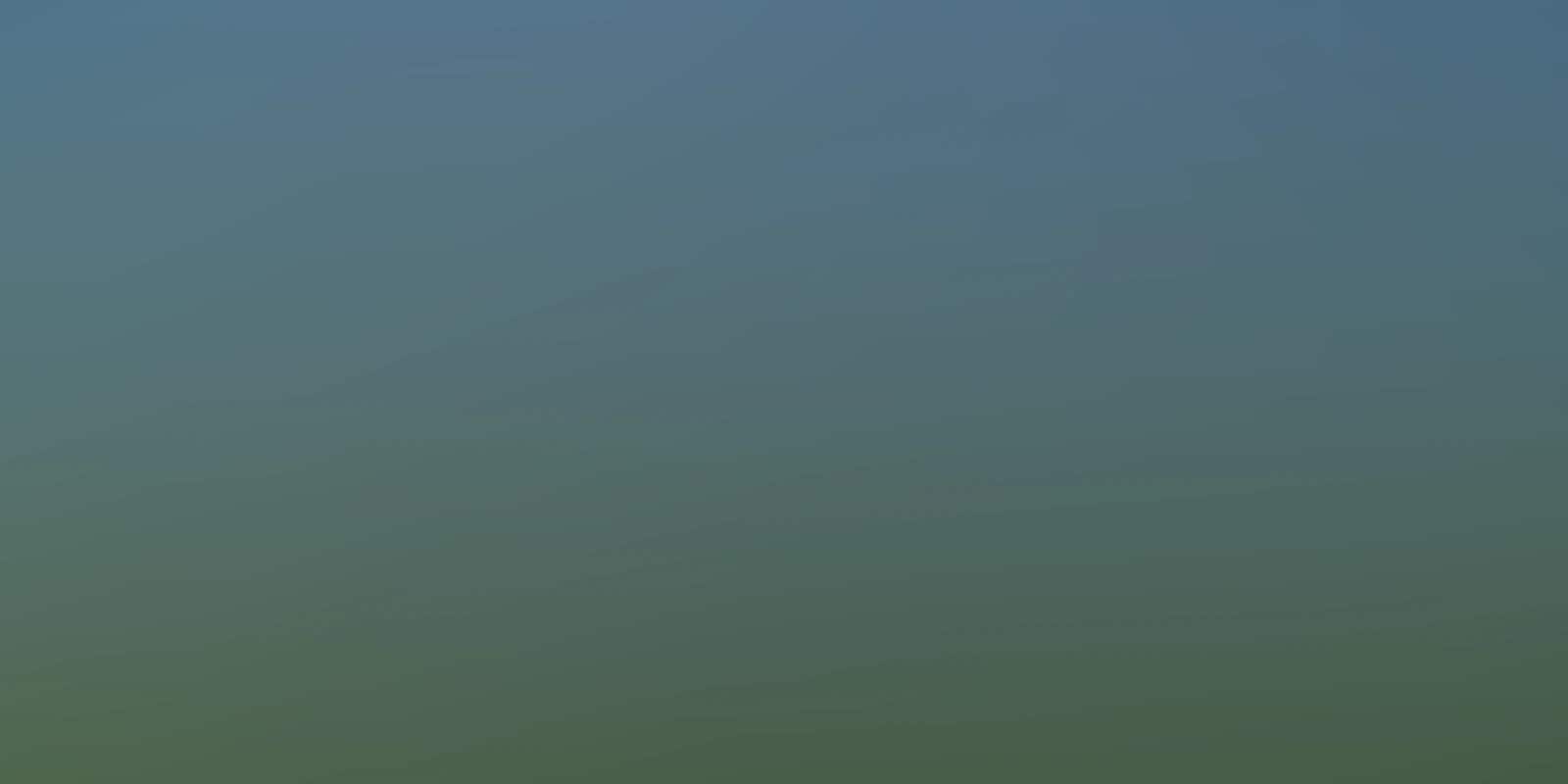
Blur effect: 1000

Now, let us dial it back to 500 and see if there is any visual difference between a sigma of 500 and 1000.
magick cloudymountains.jpg -quality 90 -blur 0x500 cloudymountains-b500.webp
There is barely any difference between 500 and 1000. By the time the image hits a sigma of 500, it has already been blurred to such an extreme extent that it no longer resembles mountains. It simply looks like a smooth gradient of colors, making it nearly impossible to distinguish between the two outputs.
Blur effect: 500
Conclusion
This proves that while there may not be a mathematical limit to the sigma value you can input, there is a firm practical limit. At a certain point—regardless of the source image—the algorithm blends the pixels into an average color, and increasing the sigma value further only wastes CPU power without changing the visual output.