JPEG-XL vs AVIF
A comparison of these modern/advanced image codecs

Before we begin, I recommend reading: JPEG-XL
In this post, I plan to deep dive into the practical differences between two modern image codecs: JPEG-XL and AVIF. We will compare them by taking a JPEG encoded at quality 100 and converting it to equivalent quality levels in both formats. The primer blog mentioned above was written in early 2024, so let’s start by looking at where the image ecosystem stands today.
The Landscape
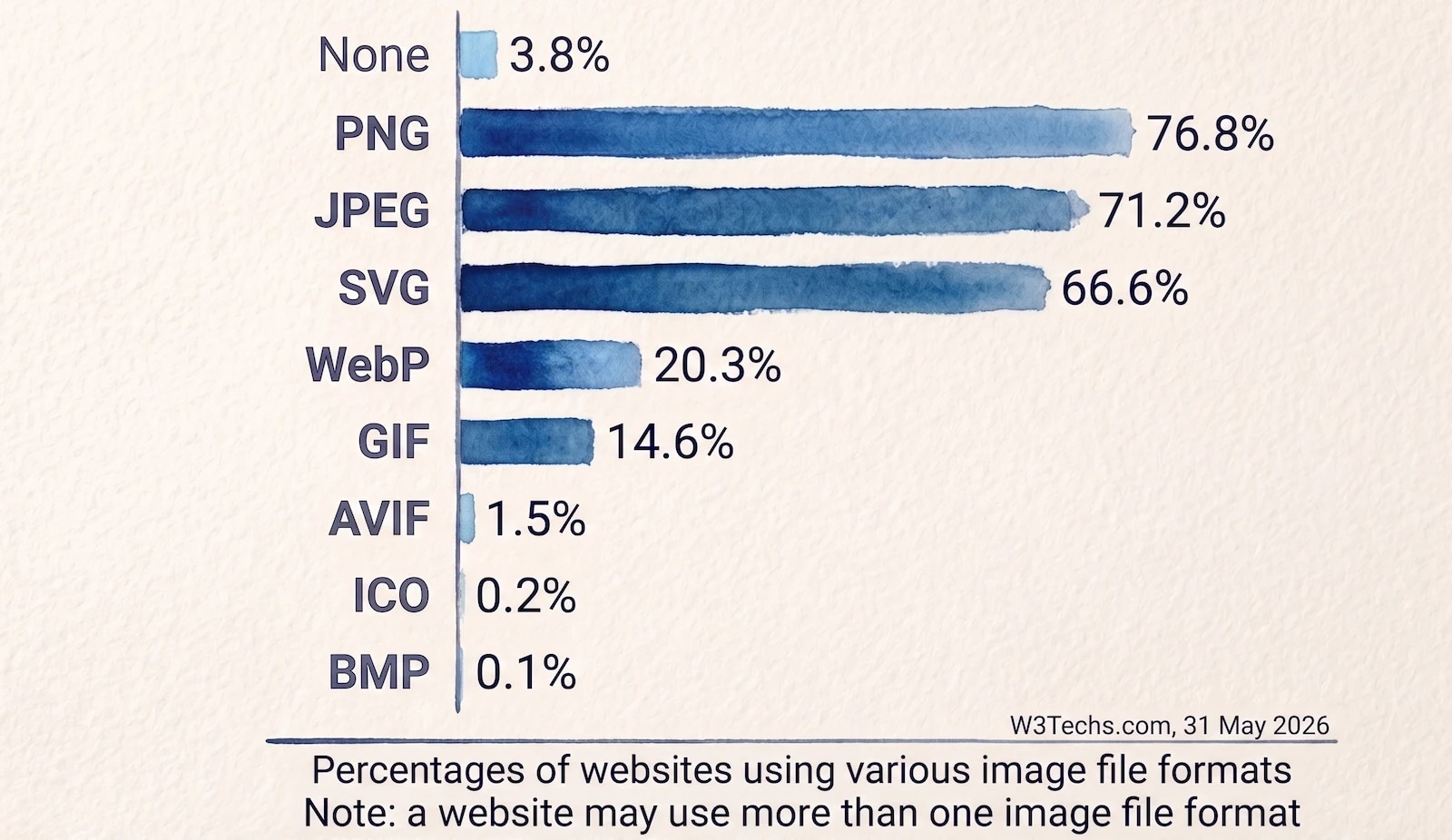
Since JPEG-XL has less than 1% adoption it does not feature in the above list.
Source: W3Techs
As you can see, global codec adoption remains fairly slow. While we constantly discuss the performance benefits of modern formats—such as improved LCP numbers, reduced CDN bandwidth and overall application speed, even something as universally safe as WebP hasn’t entirely taken over.
The Device Ecosystem
This is always the biggest question for website and application owners: Is it safe to convert to these next-gen image formats while ensuring all users can actually view them?
I discussed this at length in my High-Impact LCP Optimization post.
Are legacy devices the only serious concern? For the most part, yes, but not entirely. There are still active devices that simply do not support modern image formats. KaiOS, a popular smartphone OS based on Mozilla’s Gecko engine, is a prime example. It is highly popular in developing economies due to its affordability:
- India: Jio leverages KaiOS for its affordable range of smartphones.
- Africa: Operators like MTN and Orange utilize KaiOS for low-cost offerings.
- Latin America: Orange relies on KaiOS for its budget-friendly market segment here as well.
Navigating the Confusion
So, newer codecs are objectively better, but do they remain mostly untouchable due to the device fragmentation listed above?
Yes and no. As discussed in my previous post, you can confidently navigate this by using safe fallbacks or an intelligent image optimization engine. These solutions calculate the permutations on the fly to ensure the most appropriate format is delivered to the requesting device.
There is no rocket science involved. Most solutions rely heavily on the HTTP Accept header, which modern browsers use to tell the server exactly which formats they can decode.
However, many native applications (especially in the fragmented Android ecosystem) may not send this header. In these edge cases, you can still safely deliver a WebP image to almost all users, as it is incredibly rare to encounter a device running an Android OS older than version 5. For environments like KaiOS, the easiest approach is to offload this intelligence to market-leading engines like Cloudinary, Akamai, or Cloudflare, which can automatically hard-code fallbacks to traditional formats like JPEG, PNG, or GIF.
JPEG-XL vs AVIF
JPEG-XL is a next-generation image format from the Joint Photographic Experts Group, built upon Google’s PIK and Cloudinary’s FUIF formats. It is designed to be the ultimate replacement for legacy JPEGs. It comes packed with features that also make it a suitable replacement for PNG (supporting alpha channels/transparency) and GIF (supporting animation).
AVIF is a still image codec derived directly from the AV1 video codec. Unlike AVIF, JPEG-XL remains a true still image codec without video origins.
| JPEG-XL | AVIF | |
|---|---|---|
| Lossless Mode | YES | YES, not as efficient as JPEG-XL |
| Progressive Decode | YES | NO |
| Browser Support | Poor, still quite nascent | Excellent support on modern browser versions |
| Lossless JPEG Conversion | YES | NO |
| Moderate/Low Fidelity Images | Average | Excellent |
| Fidelity Details | Great at retaining grain and texture | Tends to smooth out fine details due to video roots |
The Comparison
Let’s compare three different images to see how these codecs handle real-world compression.
Original 1: Beach and Water
I generated this scenic image using Gemini, then cropped and converted it via the macOS Preview app to a baseline JPEG Quality of 100. To test high and low fidelity, we will compress this to quality 90 and 10 in both formats.

JPEG-XL (Encoded at q90):
Note: Unless you are on Safari or have the jxl experimental flag enabled in Chrome/Firefox, your browser will not display this image. Use the direct link below to view it in a supported environment.
https://www.coderevere.com/images/beachwater90.jxl?imbypass=true
AVIF (Encoded at q90):

Note: AVIF suffers from a similar fallback issue on heavily outdated browsers, but its gravity is much lower as it enjoys widespread support across all modern platforms.
JPEG-XL (Encoded at q10):
https://www.coderevere.com/images/beachwater10.jxl?imbypass=true
AVIF (Encoded at q10):

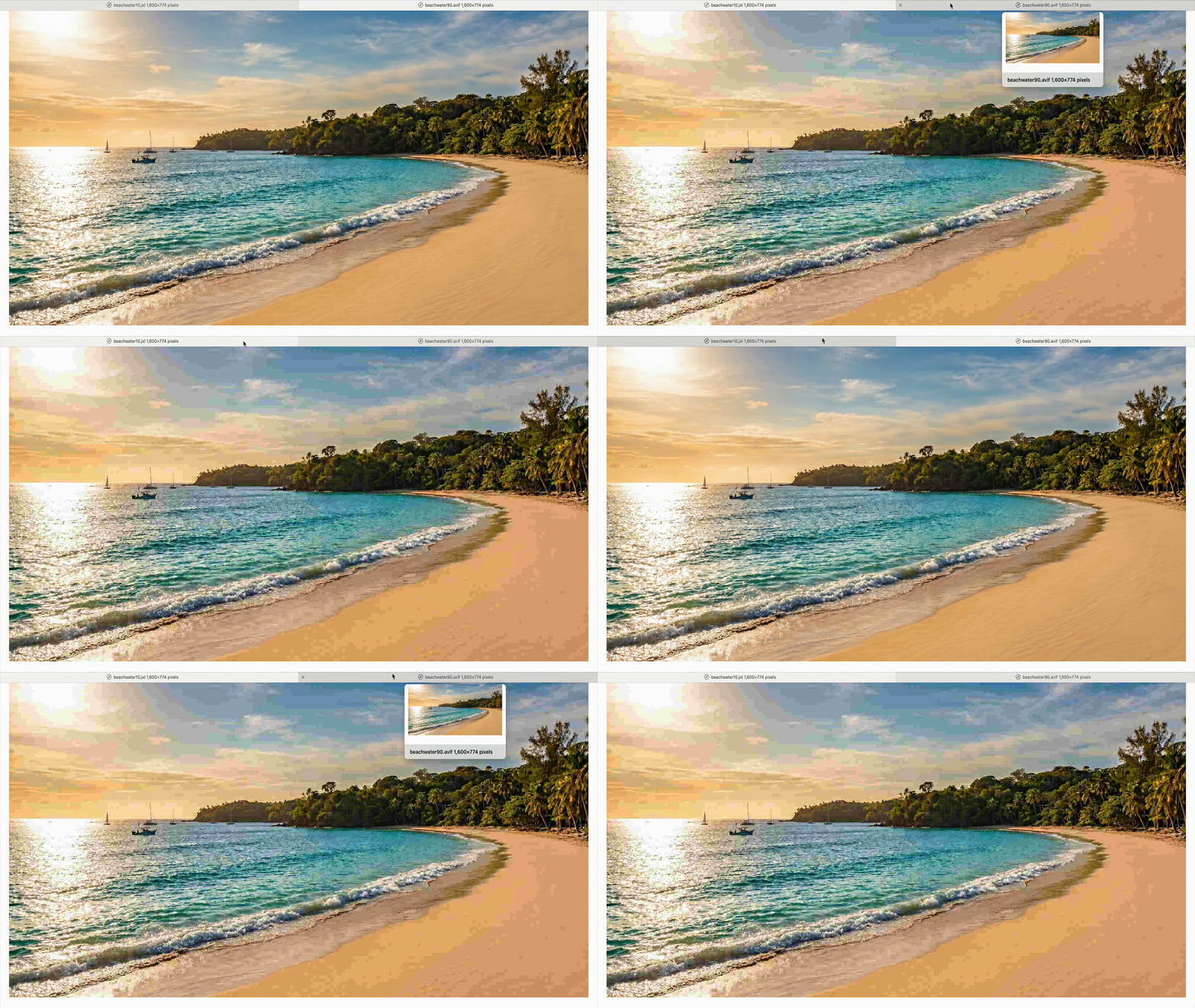
As you can clearly see, AVIF excels by a massive margin at low quality levels. At q10 (keeping in mind that quality sliders do not translate 1:1 between these encoders), AVIF comes in at 19KB while JXL sits at 47KB.
Despite being roughly 250% larger in file size, the JXL output looks significantly worse and blockier than the AVIF image. AVIF’s video origins play a crucial role here; it utilizes advanced smoothing algorithms that hide compression artifacts beautifully at low bitrates. For standard web delivery, AVIF is the undisputed winner here.
Here is an animated clip demonstrating the visual difference between JXL and AVIF at q10:
At the higher q90 setting, it is incredibly difficult for the human eye to distinguish between the JXL and AVIF outputs without zooming in on fine details. To get an objective answer, let’s use SSIM and DSSIM structural math to check which output is truly closer to the original JPEG.
bash ./ssim.sh beachwater.jpg beachwater90.avif
# ssim=0.909 dssim=0.091
bash ./ssim.sh beachwater.jpg beachwater90.jxl
# ssim=0.91 dssim=0.09
JPEG-XL comes out with marginally better structural scores in this test. However, this microscopic gain comes at a cost: the AVIF file is 323KB, while the JXL file is 354KB.
Match the Weight
What happens if we strictly match the file sizes? At q90, JXL had an unfair advantage of an extra 31 Kilobytes of data. I re-encoded the JXL image at q88 to match the exact 323KB file size of the AVIF image.
bash ./ssim.sh beachwater.jpg beachwater88.jxl
# ssim=0.91 dssim=0.09
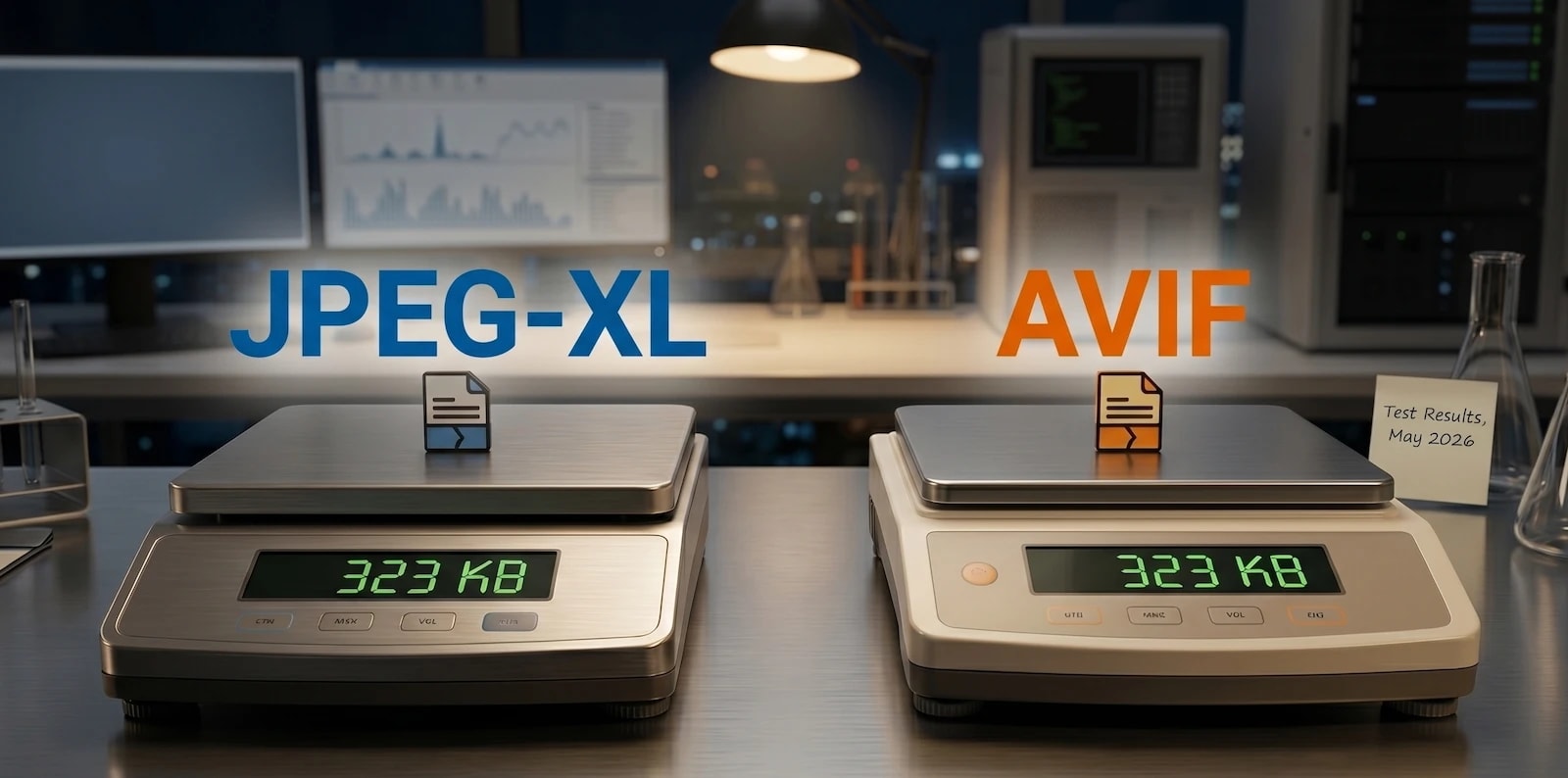
Interestingly, the score remained exactly the same! Going by this specific image, JXL proves it can slightly outperform AVIF on mathematical DSSIM/SSIM scores at higher fidelity levels, even when file sizes are identical.
Original 2: Harley Davidson
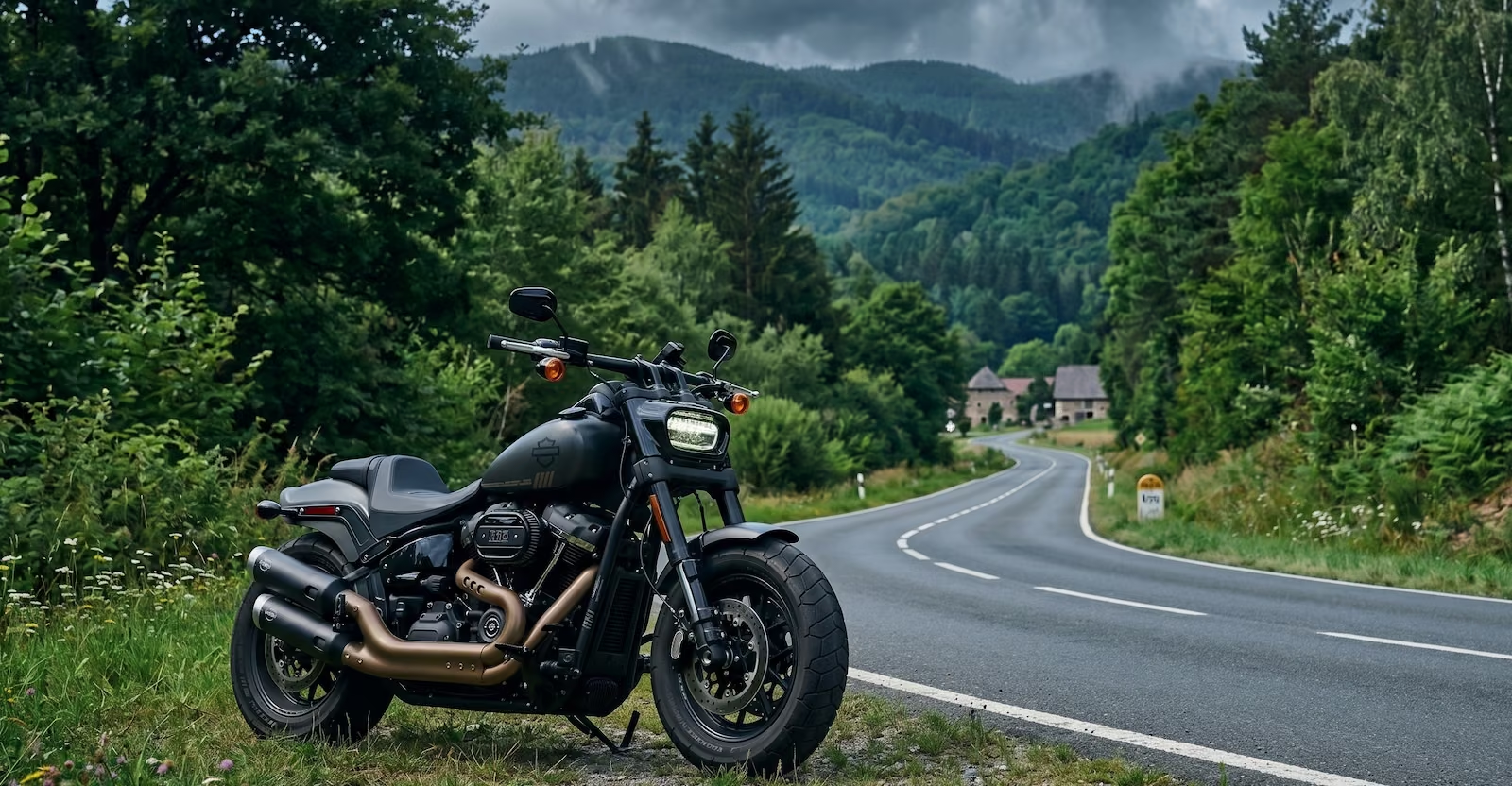
For our second test, I generated an image featuring high-frequency details (grass, leaves, and intricate motorcycle parts) and converted it to a q100 JPEG.
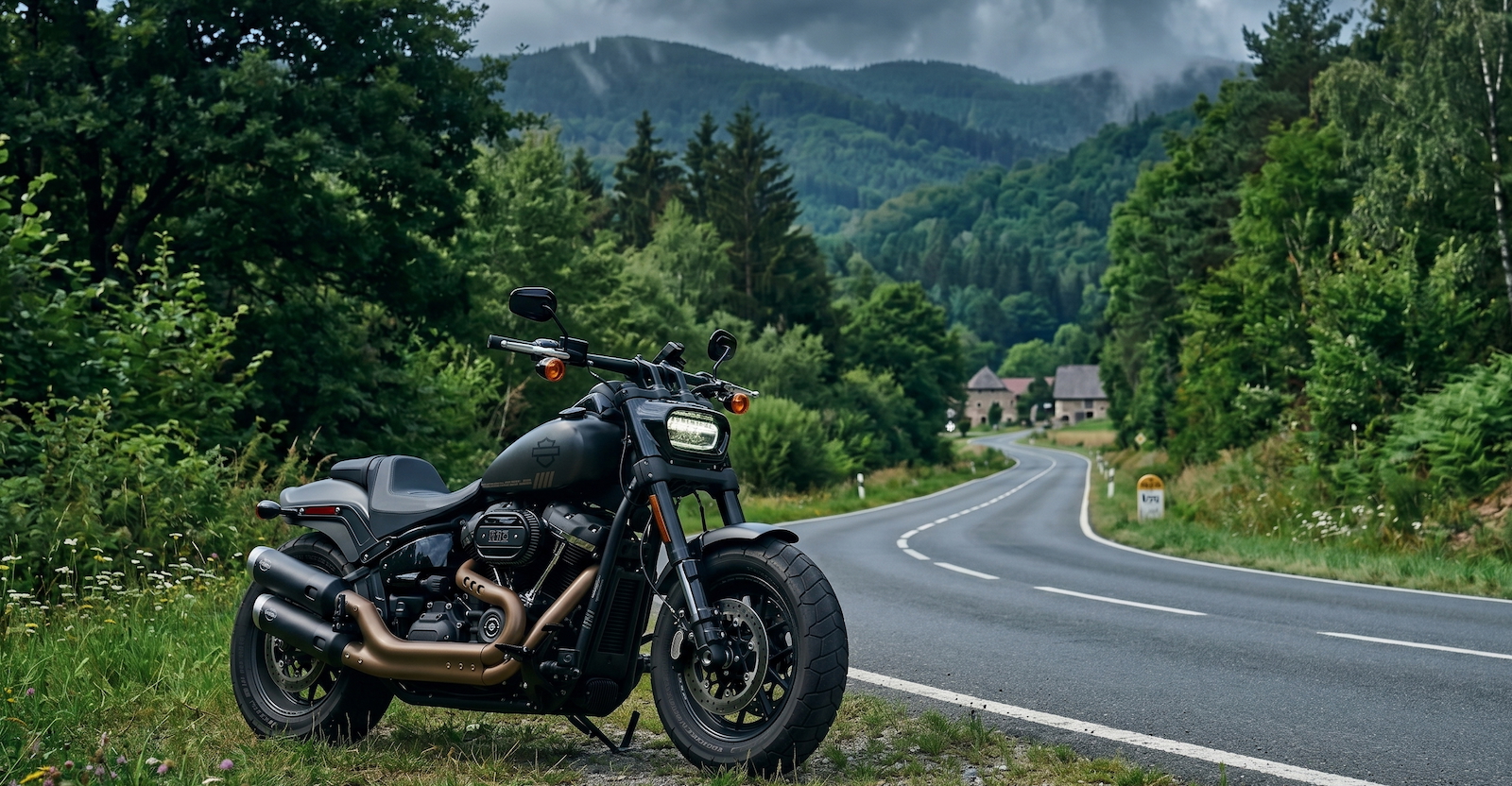
JPEG-XL (Encoded at q60):
https://www.coderevere.com/images/harley60.jxl?imbypass=true
AVIF (Encoded at q60):
SSIM/DSSIM comparison:
bash ./ssim.sh -p 6 harley.jpg harley60.avif
# ssim=0.998652 dssim=0.001348
bash ./ssim.sh -p 6 harley.jpg harley60.jxl
# ssim=0.99889 dssim=0.00111
Because this image is highly compressible in the center, I had to stretch the script to 6 decimal places just to see a difference at q60. Once again, JXL mathematically wins the structural similarity test. But look at the file sizes: 203KB (JXL) vs 160KB (AVIF). For web delivery, AVIF is the far more practical choice, as the visual differences are imperceptible to the naked eye.
Original 3: Vintage New York
Finally, let’s run a vintage street image through both encoders at q50.
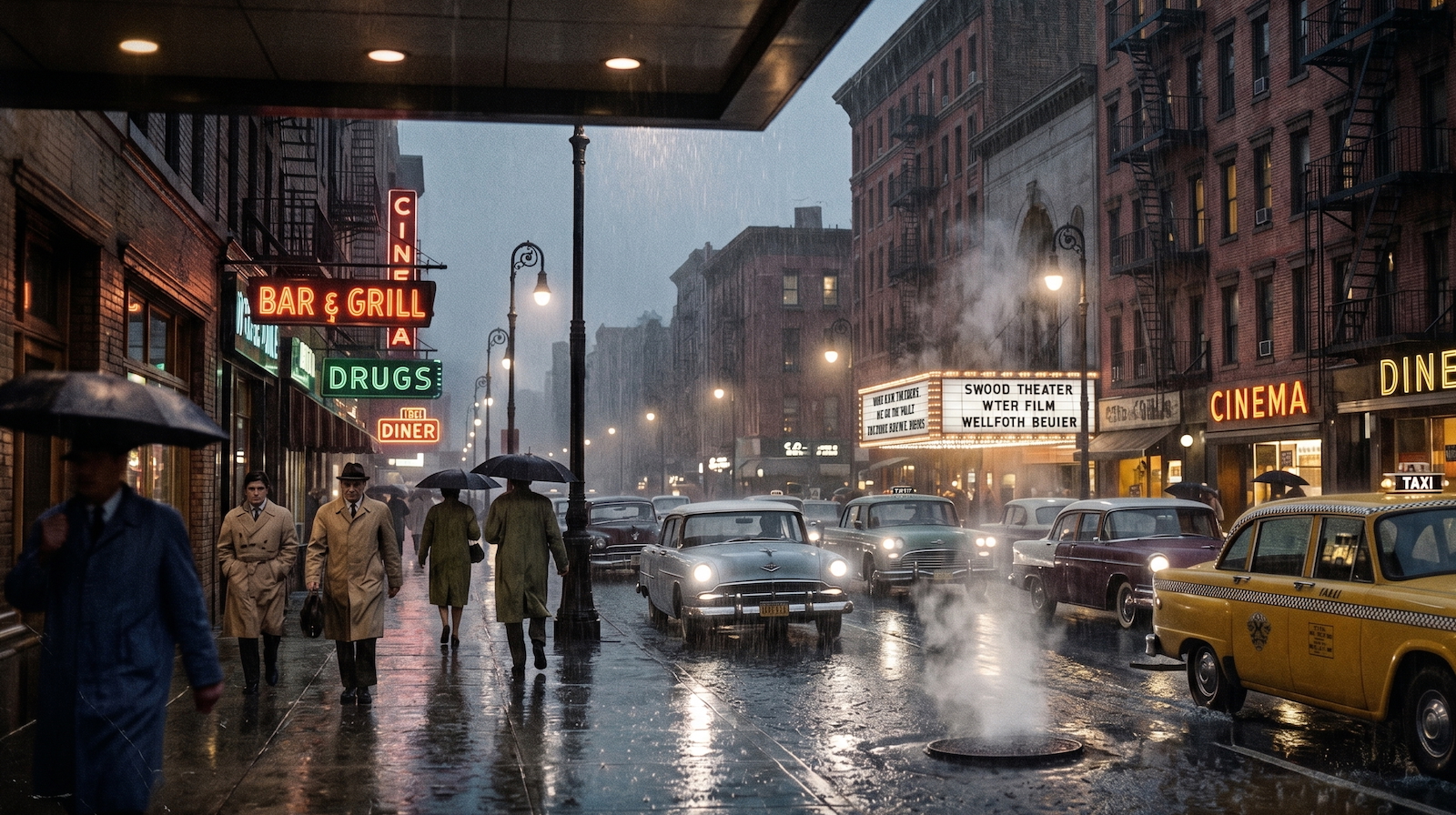
JPEG-XL (Encoded at q50):
https://www.coderevere.com/images/ny70-50.jxl?imbypass=true
AVIF (Encoded at q50):
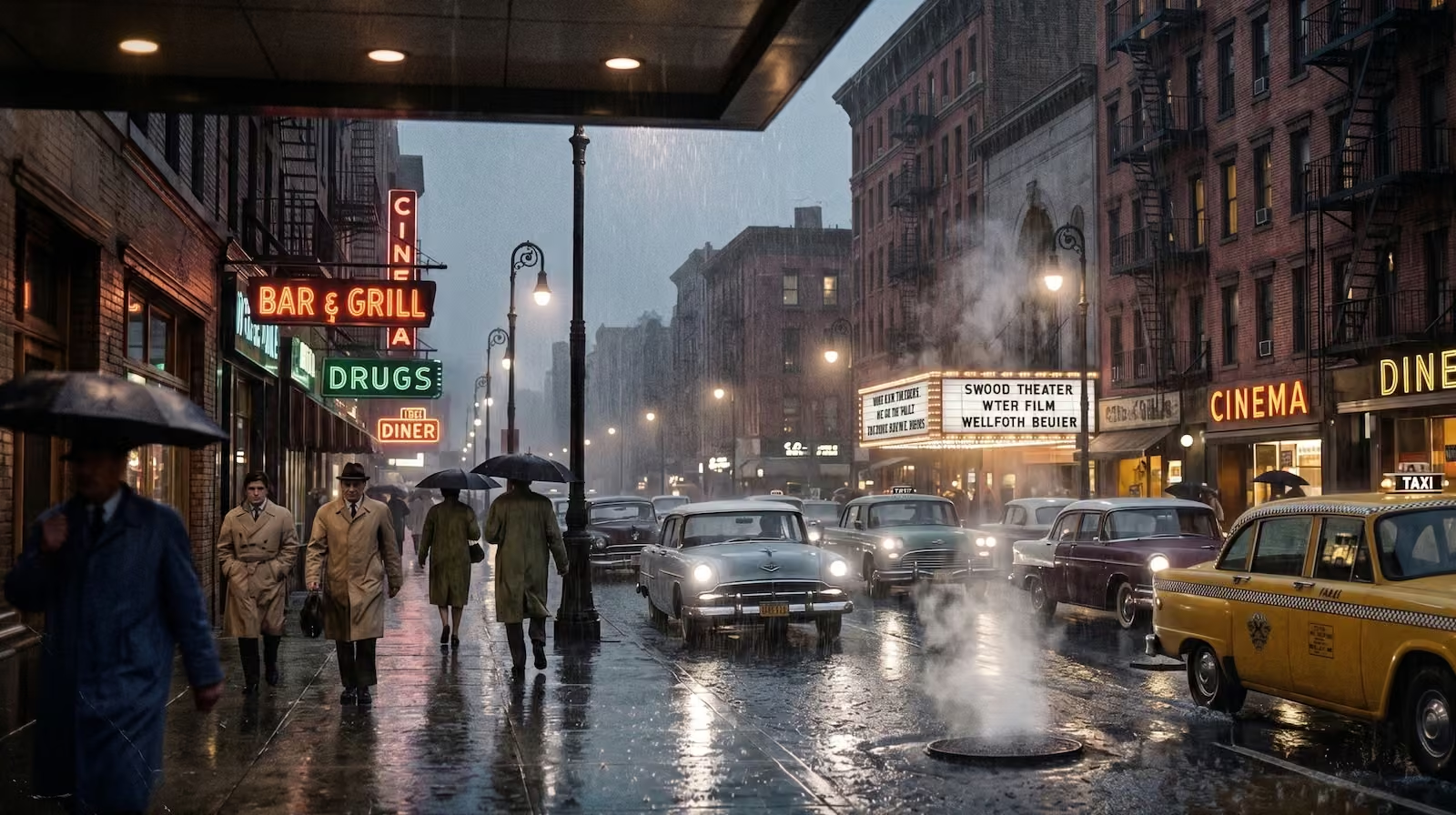
SSIM/DSSIM comparison:
bash ./ssim.sh -p 6 ny70.jpg ny70-50.avif
# ssim=0.993976 dssim=0.006024
bash ./ssim.sh -p 6 ny70.jpg ny70-50.jxl
# ssim=0.994092 dssim=0.005908
There is barely any structural difference between the two. However, AVIF wins hands down due to its massive efficiency advantage yet again: 177KB (JXL) vs 114KB (AVIF).
The Verdict
AVIF is the overall winner for web developers. Its aggressive compression algorithms and widespread browser support make it the undisputed champion for bandwidth savings. However, JPEG-XL remains an incredibly powerful format with distinct advantages for professional photography, lossless archival, and environments where retaining exact film grain and texture is critical.