What is JPEG-XL?
JPEG-XL is a new image format from JPEG which improves upon the legacy JPEG format. JPEG-XL is based on Google’s PIK and Cloudinary’s FUIF format.
JPEG-XL is in a line of Codecs/Formats released by Joint Photographic Experts Group (JPEG), intended to be a replacement to its legacy image format JPEG. JPEG-XL comes packed with features that also make it a suitable replacement to other formats like PNG(XL provides support for alpha channel/transparency) and GIF (XL supports animation as well). It also can be a replacement or alternative to newer Image Codecs like WebP and AVIF.
Why should I explore JPEG-XL?
Superior compression ratio resulting in smaller file sizes at high visual quality levels. Here is a list of core features of this format -
- High Compression Speeds - Allows for faster encodes and decodes.
- Progressive Decode Capability - Since XL is a modern Image Codec/Format and does not have its origins in video formats like WebP, AVIF, HEIC, it offers progressive decode capabilities which these formats lack, thus making XL a more suitable/viable replacement to the legacy JPEG format which has a progressive mode as well. An almost 31 year old format like JPEG has support for a progressive mode, think about that for a second.
- Lossless Transcoding - JPEG-XL also has support for Lossless transcodes when converting from JPEG to JPEG-XL. The other formats listed above cannot do this. What this means is you can convert back to JPEG and would not lose any of the detail that existed in its original form(JPEG). JPEG-XL can basically be a like-for-like copy of a JPEG at a smaller file size.
- Superior Bit Depth - JPEG-XL can encode at bit depths going all the way up to 32bits. How does this compare to a format like AVIF? AVIF is limited to a maximum 12 bits per channel which is a lot and we may not need any more than 12 bits per channel but XL does offer higher bit depth if needed.
- No License Fees - Built from the start as an open-source format.
Progressive images render with a pixelated/blurry version of the complete image before filling in the details layer by layer until the image data is completely downloaded.
Progressive images improve user experience on a website because the viewer gets the entire image initially in its pixelated/blur form before details are filled in layer by layer.
Since WebP/AVIF do not offer progressive decodes the entire image needs to be downloaded/loaded before it is displayed.
I covered progressive decodes in more detail in an earlier blog - https://www.coderevere.com/baseline-vs-progressive-jpeg/
Should I start encoding my images in the JPEG-XL format?
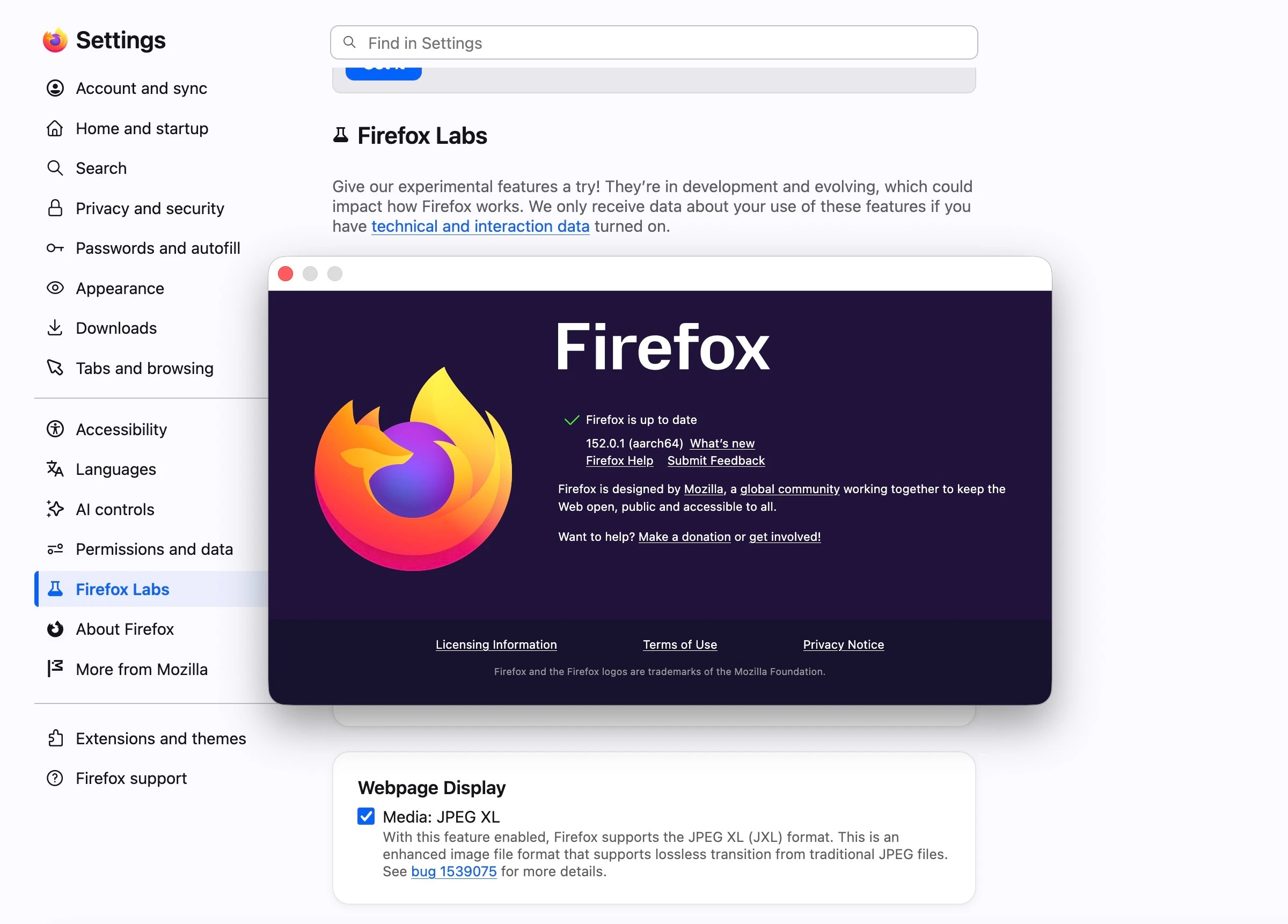
Not at this moment unless you have smart device/browser detection capabilities at the CDN layer or on your proxy server that only hands out a JPEG-XL output to devices/browsers capable of rendering it. JPEG-XL has very limited support currently. Refer - https://caniuse.com/?search=jpegxl
What sort of support do we see for JPEG-XL currently?
At the time of writing this blog, JPEG-XL is supported by only Safari (version 17 and above) thanks to Apple announcing support for it recently. Google had a JPEG-XL flag in its chromium browsers however late last year decided to remove the XL code and its flag for the following reasons -
“Thank you everyone for your comments and feedback regarding JPEG XL. We will be removing the JPEG XL code and flag from Chromium for the following reasons: Experimental flags and code should not remain indefinitely There is not enough interest from the entire ecosystem to continue experimenting with JPEG XL The new image format does not bring sufficient incremental benefits over existing formats to warrant enabling it by default By removing the flag and the code in M110, it reduces the maintenance burden and allows us to focus on improving existing formats in Chrome”
This left a lot of JPEG-XL supporters disappointed. However with Apple now supporting JPEG-XL in its browser there could be renewed interest in Google to revisit its decision to sunset JPEG-XL code and flag from Chromium. Kind of funny isn’t it - a format which was based on research by Google and Cloudinary, Google also being an early adopter of the format in its Chromium engine, only to later kill it and now may be forced to reconsider its decision because Apple has started supporting it.
Please find below the command I used to transcode a JPEG to JPEG-XL using ImageMagick -
magick jpegexample.jpg -quality 90 jpegxlexample.jxl
Note : Encoded at quality level 90, XL achieved superior compression in comparison with legacy JPEG. JPEG was 95KB for this particular image while JPEG-XL is at 68KB.