Tune IQ in AVIF: A Major Upgrade to Encoder Technology
Discover how the Tune IQ update is changing AVIF image encoding


Libavif, an open source library to encode/decode AVIF images, received a major upgrade recently.
This upgrade (released April 29, 2026) includes a list of significant updates. It is marked as a major release to the library since 2025.
While there are many upgrades, the one I intend to focus on for this post is its enablement of Tune IQ in default mode.
What is Tune IQ?
Tune IQ is a new tuning mode in AVIF for encoding still images. It has 4 primary goals:
- Improve compression efficiency
- Improve perceptual quality
- Maintain consistent quality within each image
- Encode with consistent quality, close to the specified target
How does it improve image quality?
The Tune IQ tuning mode relies heavily on the SSIMULACRA 2 metric as a guide and validates with subjective visual quality checks.
How to enable/use the Tune IQ mode?
AVIF encoders such as libavif and libheif can be configured to use the Tune IQ mode by setting the aom codec option to tune=iq.
Hang on. Before we go any further, what is SSIMULACRA?
There are many perceptual quality metrics such as PSNR, SSIM/DSSIM, etc. SSIM and DSSIM in particular are very popular in image technology and have been covered at length in some of our previous blogs.
SSIM computes its score across the entirety of an image, so it is quite easy for it to be fooled when the image has a solid background.
Example: A mobile phone displayed against a solid white background. Such scenarios are not uncommon. In fact, in e-commerce, many product images have a solid background.
Since SSIM computes a score across the entire image, it is easy for it to give such images a great score as these types of backgrounds are very easy to compress. Even at aggressive settings, a solid white background will be nearly identical to the source image.
The engineers at Cloudinary (a market leader in the image compression technology space) came up with their own metric to overcome this gap. The one developed at Cloudinary is based on SSIM and is called SSIMULACRA: Structural SIMilarity Unveiling Local And Compression Related Artifacts.
Cloudinary says it is tuned to be better at detecting the psychovisual impact of compression artifacts.

SSIMULACRA 2
Clooudinary has made it open-source, so it is free to use under the Apache 2.0 license. The original code can be found here. The current version can be found here.
Coming back to Tune IQ
Now, with AVIF receiving a major upgrade and Tune IQ being used in its default mode, does it even make a difference to my image workflow? Let us find out by converting a couple of images with SSIM and Tune IQ for comparison.
Before we go further, we need to ensure we have it enabled in our current software version. I am using ImageMagick, so let us go ahead and check if Tune IQ is installed.
Command to check AVIF encoder presence:
magick -list format | grep -i AVIF

# Response

AVIF  HEIC      rw+   AV1 Image File Format (1.23.0)
As you can see, the current version of ImageMagick installed on my machine uses libheif as a middleman to encode/decode AVIF images. Let us continue to dig into this to find out if the Tune IQ metric is installed or not.
Command to print the parameters:
heif-enc -A -P

# Response

Parameters for encoder `AOMedia Project AV1 Encoder 3.14.1`:
  realtime, default=false
  speed, default=6, [0;9]
  threads, default=14, [1;64]
  quality, default=50, [0;100]
  lossless, default=false
  chroma, default=420, { 420,422,444 }
  tune, default=auto, { auto,psnr,ssim,iq }
  min-q, default=0, [0;63]
  max-q, default=63, [0;63]
  alpha-quality, [0;100]
  alpha-min-q, [0;63]
  alpha-max-q, [0;63]
  lossless-alpha, default=false
  auto-tiles, default=false
  enable-intrabc, default=true
Refer this line: tune, default=auto, { auto,psnr,ssim,iq }, It confirms Tune IQ is installed.
Now let us proceed to convert with SSIM and Tune IQ for comparison:
Pic 1: Coderevere logo with a solid white background
magick cr-wb.jpg -quality 25 -define heic:tune=ssim cr-wb-ssim.avif
magick cr-wb.jpg -quality 25 -define heic:tune=iq cr-wb-iq.avif
Original JPEG (103 KB):

SSIM at q25 (11 KB):

Tune IQ at q25 (11 KB):

Assumption: Since this logo is entirely flat colors and sharp edges, it does not provide an appropriate opportunity for Tune IQ to showcase its advantages like a complex photograph would. Let us now bring in a complex picture.
Pic 2: Messi (perhaps the Greatest of All Time) lifting the 2022 WC Trophy
magick messi-2022.webp -quality 15 -define heic:tune=ssim messi-2022-ssim.avif
magick messi-2022.webp -quality 15 -define heic:tune=iq messi-2022-iq.avif
Original WebP (152 KB):
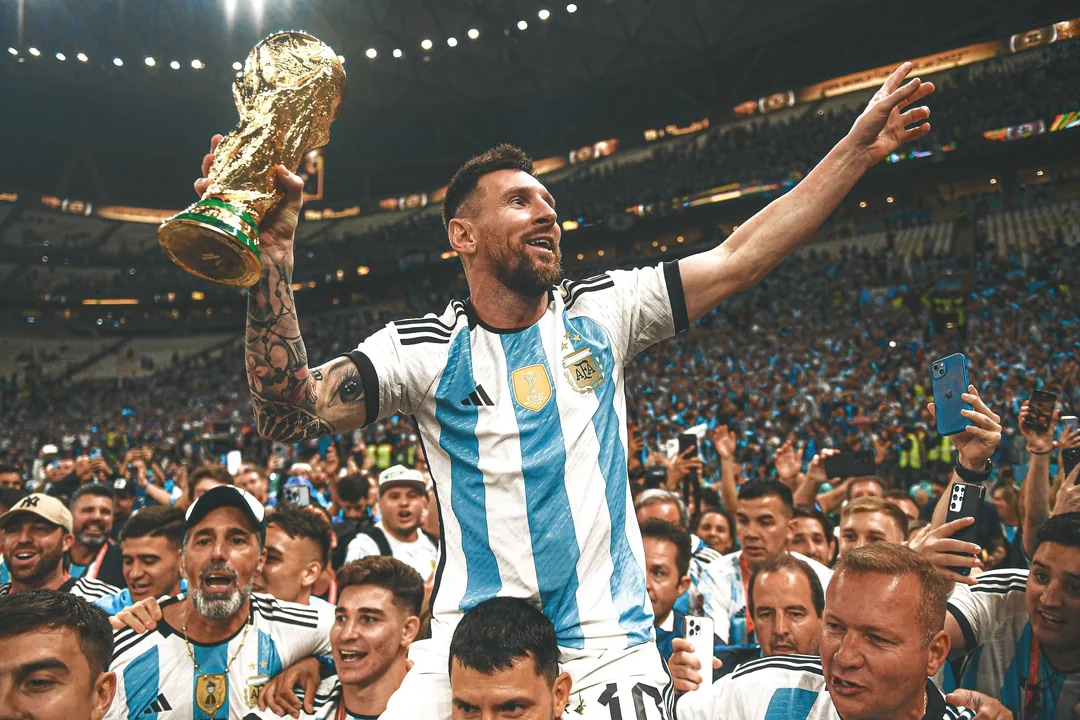
SSIM at q15 (19 KB):
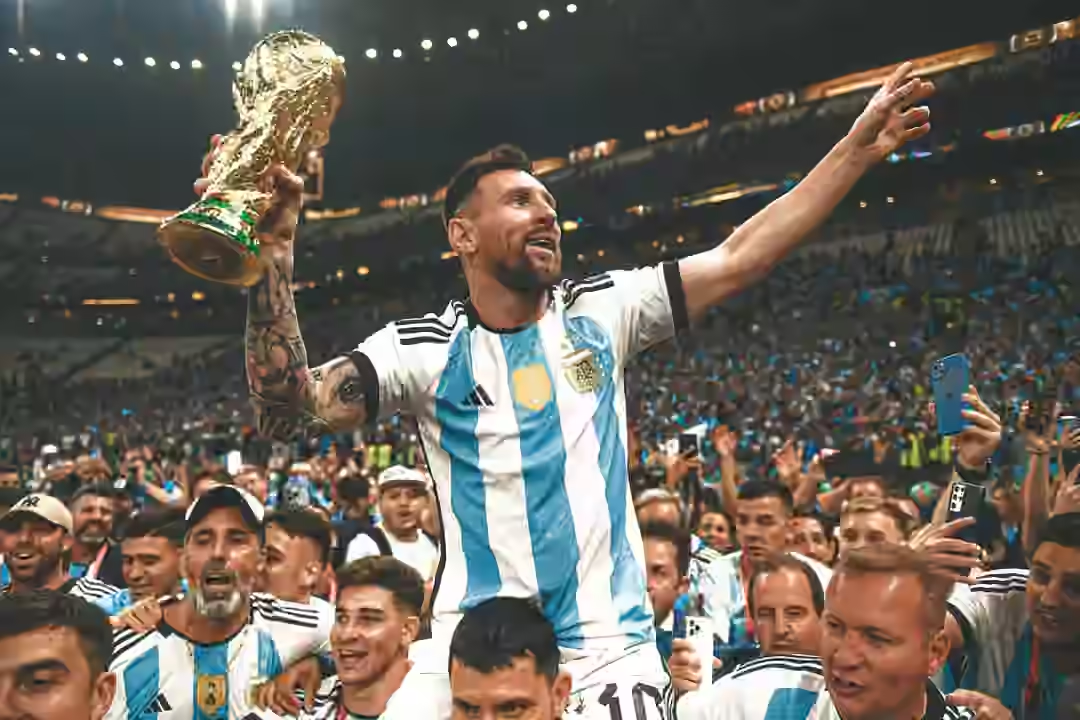
Tune IQ at q15 (19 KB):
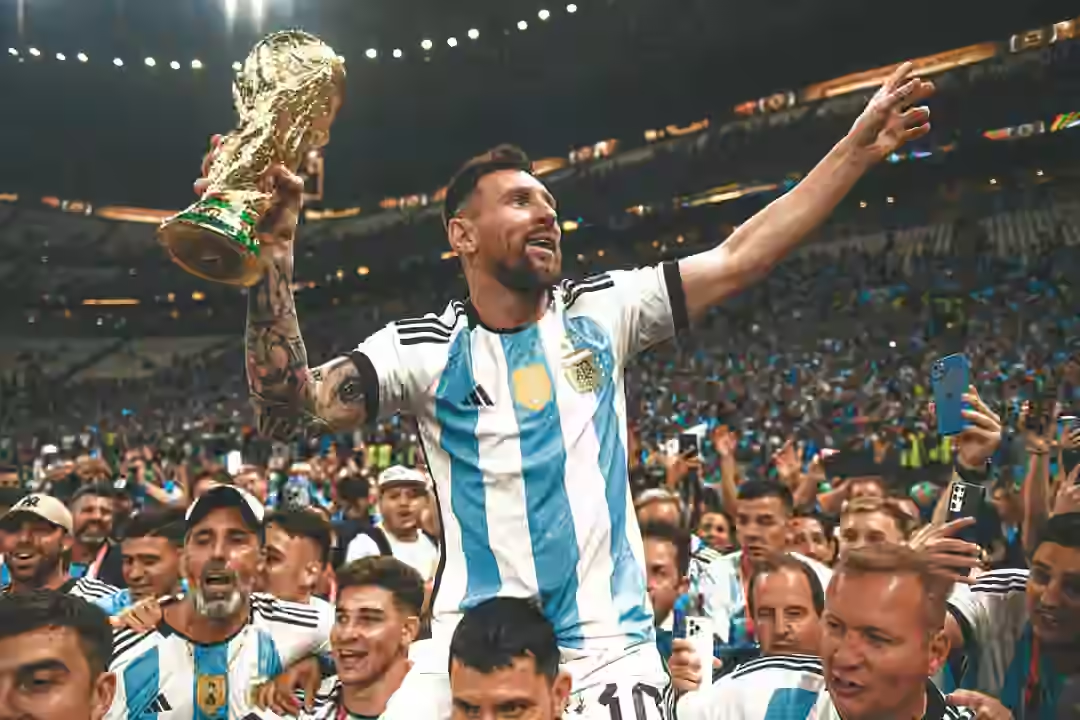
Exact SAME size again. This is when I realized ImageMagick wasn’t working here. I am assuming (based on what I read on the internet) ImageMagick seems to default to Tune IQ for both outputs for the above two images, ignoring the define parameter because tune is a relatively new parameter.
Let us encode using the heif encoder directly. Let us start with the Messi picture.
heif-enc -A -q 25 -p tune=ssim -o messi-ssim.avif messi-2022.webp
heif-enc -A -q 25 -p tune=iq -o messi-iq.avif messi-2022.webp
Original WebP (152 KB):
SSIM at q25 (26 KB):
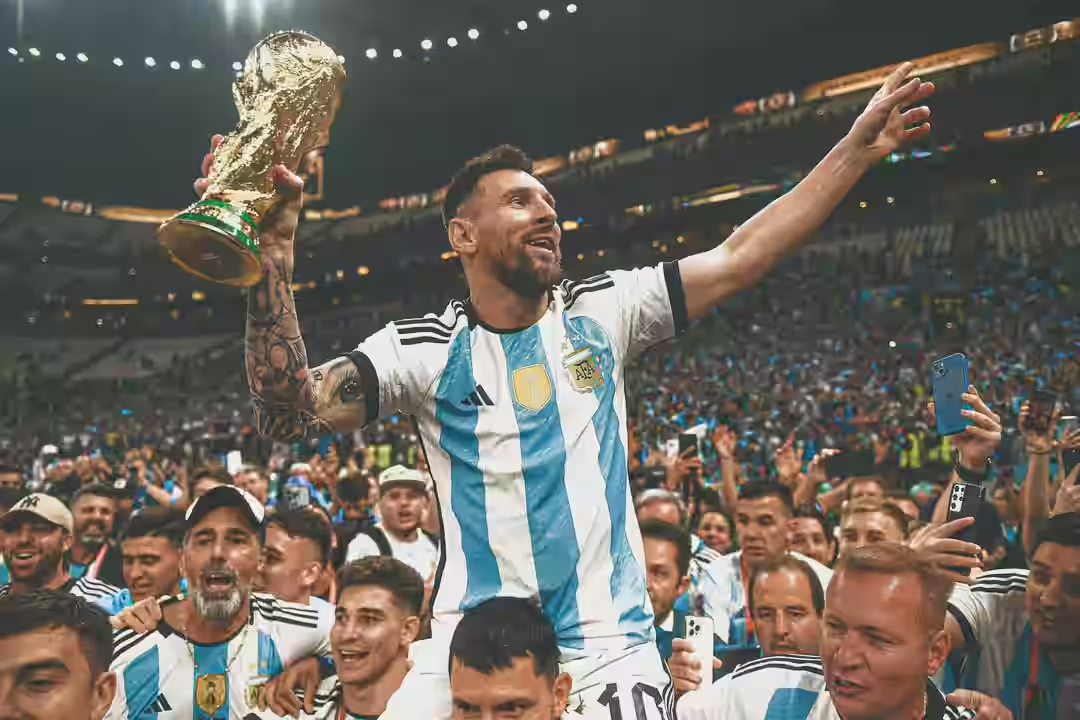
Tune IQ at q25 (24 KB):
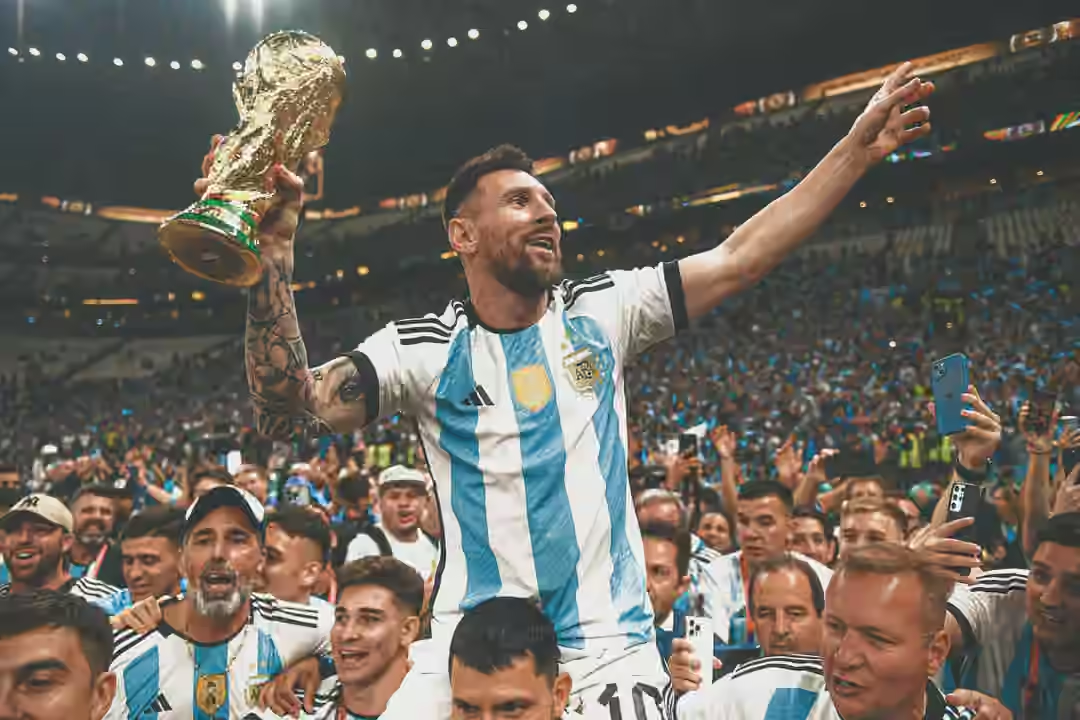
Let us now try at q45:
heif-enc -A -q 45 -p tune=ssim -o messi-ssim45.avif messi-2022.webp
heif-enc -A -q 45 -p tune=iq -o messi-iq45.avif messi-2022.webp
SSIM at q45 (54 KB):

Tune IQ at q45 (51 KB):

Here we go, it actually made a difference. We saved 2-3 KB depending on the encoding quality. Not significant, but it may improve on different images and will likely add up in the grand scheme of things, especially with tens or hundreds of images. So, if you are using AVIF for your still images, do strongly consider enabling Tune IQ for applicable source images if it isn’t already done.
Let us try the Coderevere logo again with the heif encoder:
heif-enc -A -q 45 -p tune=iq -o cr-iq45.avif cr-wb.jpg
heif-enc -A -q 45 -p tune=ssim -o cr-ssim45.avif cr-wb.jpg
SSIM at q45 (13 KB):

Tune IQ at q45 (18 KB):

Interestingly, it went the other way. SSIM outperformed, as it uses pure math unlike Tune IQ which focuses on psychovisual impact. With the Messi image, Tune IQ can be aggressive with grass and the crowd in the background, but the Coderevere logo presents no such opportunity. Hence the need for both SSIM and Tune IQ to co-exist and be smartly applied based on the input/source image.
The Judge
It isn’t all about byte savings. Quality is paramount. Now, I find it hard to differentiate between the two outputs above. Let us now try a picture that has much more consistent pixel sets to see if Tune IQ performs consistently across the overall image in comparison with SSIM.
Pic 3: A beautiful capture of a cruise ship sailing through the vast ocean
Original JPEG encoded at q80 (340 KB):
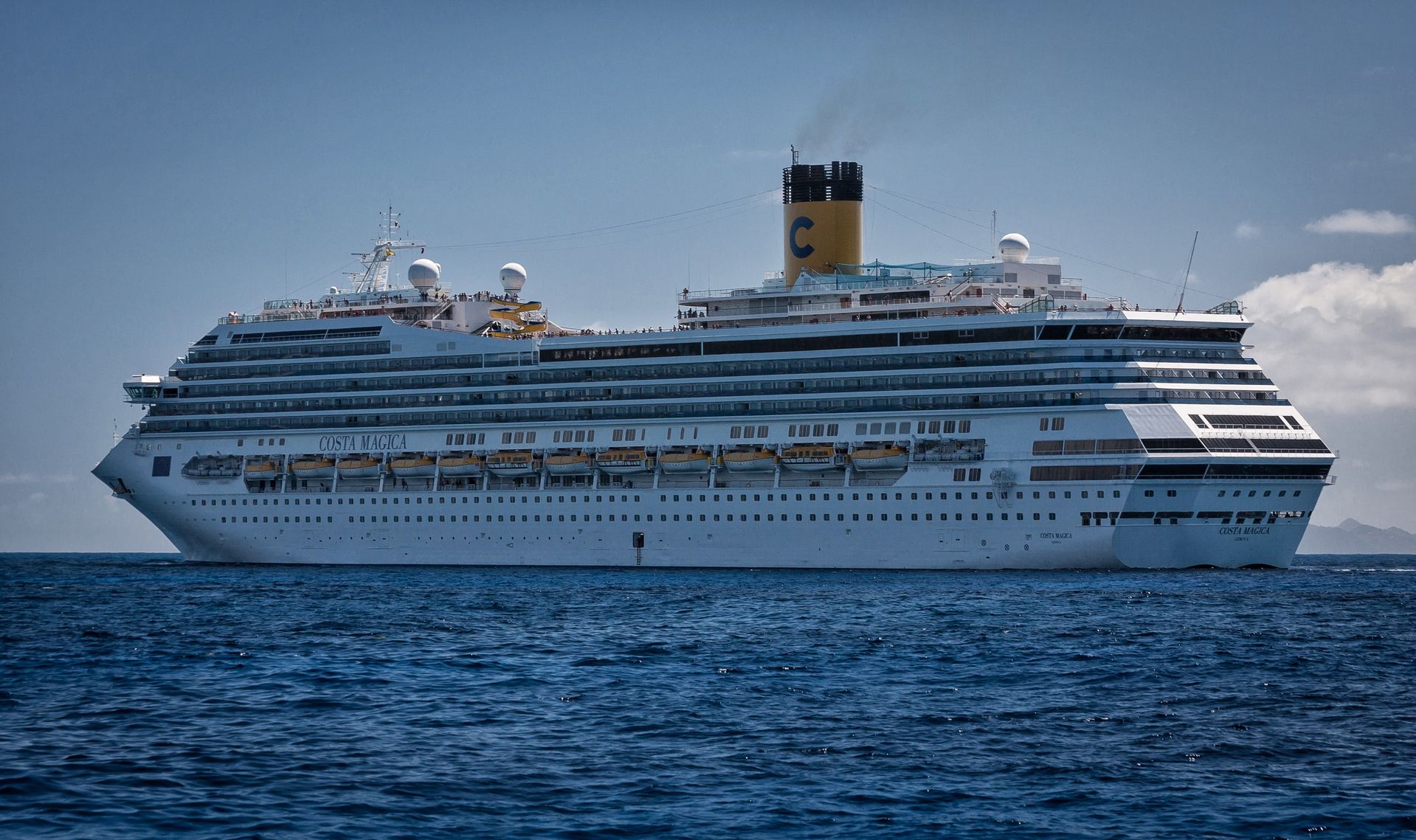
SSIM at q50 (124 KB):
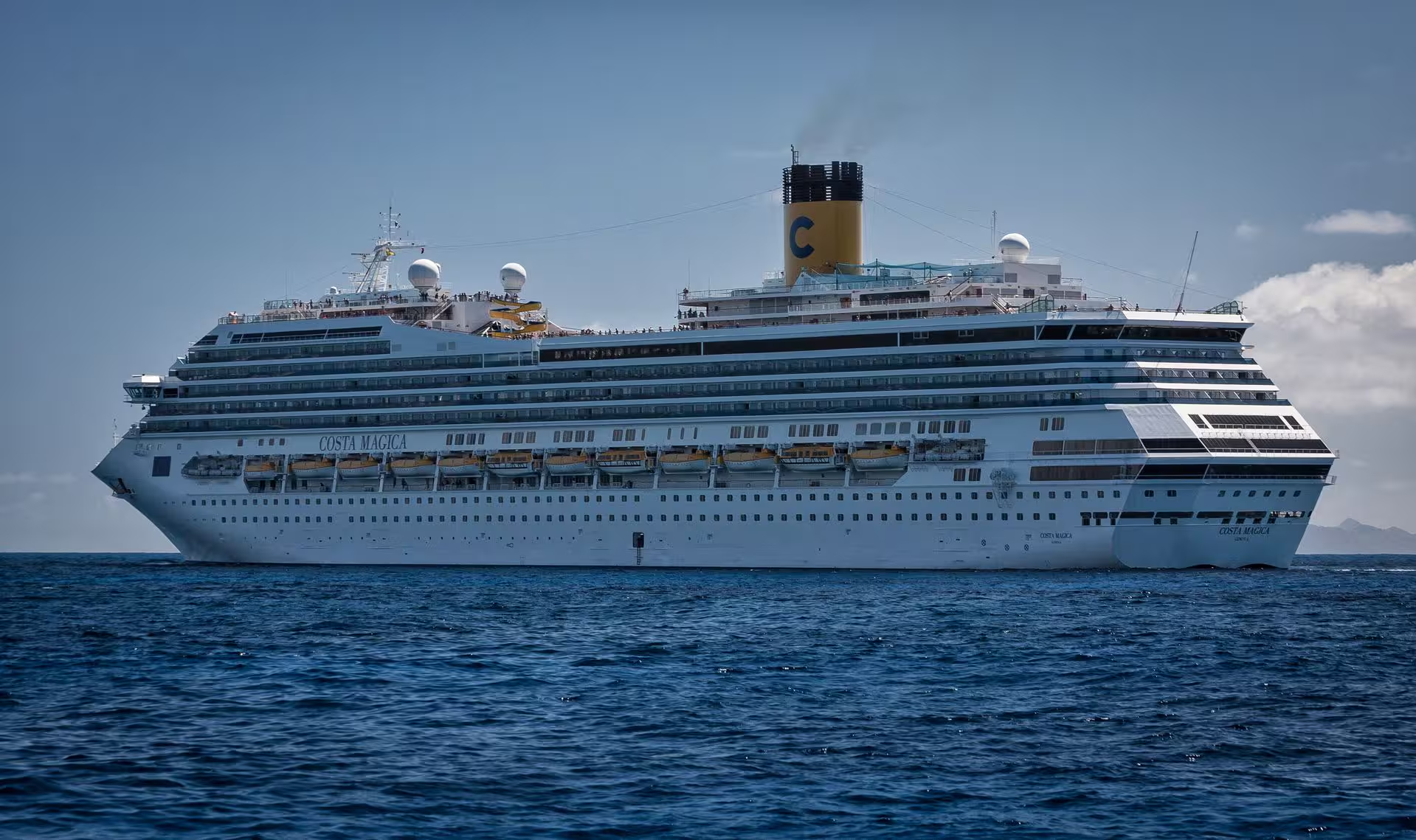
Tune IQ at q50 (117 KB):
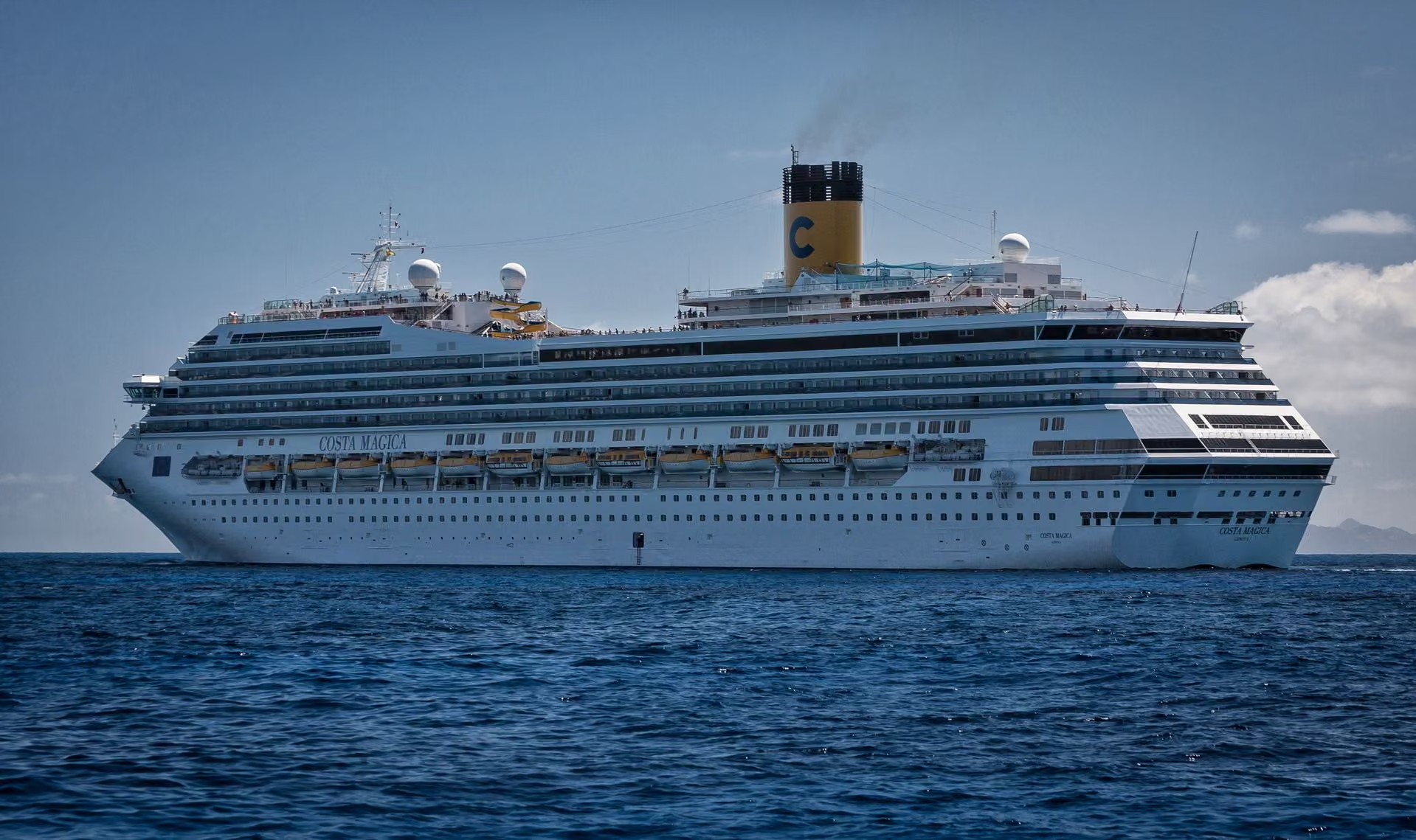
If you focus on some of the details, you can see Tune IQ performing more consistently across the different elements in this image, especially the exhaust smoke and the overall sky and cable to its left.
SSIM looks at smooth areas (the sky and smoke here), and since there is less structural complexity, it tends to spend fewer bits on these areas. This reduced pixel budget leads to pixelation and banding effects.
Tune IQ has been programmed to look for details that the human eye is sensitive to, especially the details within the smoother areas of the sky and smoke here. Tune IQ tends to perform better on the edge of the cable too with the sky backdrop.
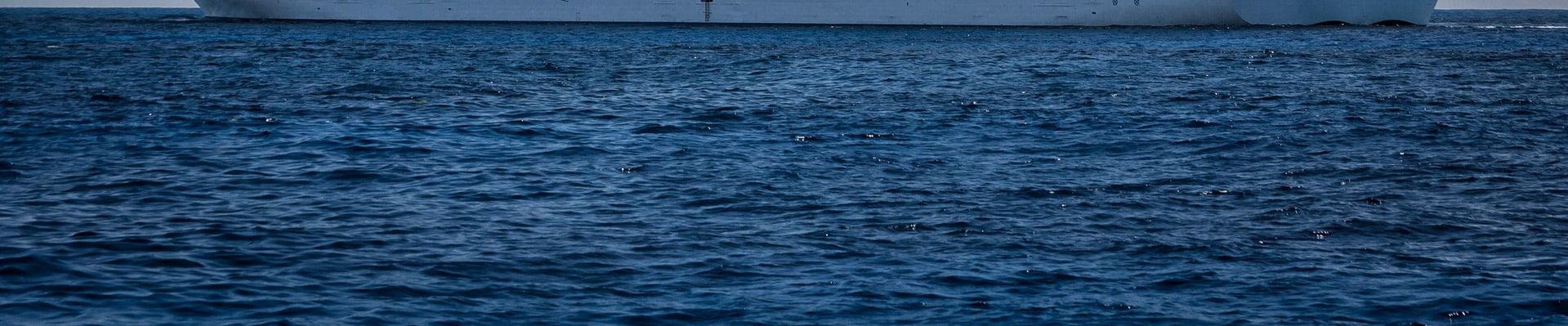
Now, Tune IQ did all of this at a lower budget (117 KB vs 124 KB), so it had to sacrifice the detail elsewhere. If you stare into the water you may see what we are looking for, which is the fact that it steals some of the data allocated to these bits to reallocate them to the smoother details of the sky, which humans are more sensitive to than the chaotic and complex nature of the water waves. Let us put this theory to the test as well by grabbing only water from each image and looking for the SSIM/DSSIM score.
Let us create a reference image from the original JPEG and the corresponding crops from each AVIF output (SSIM and IQ). We will save them as PNGs to avoid further lossy processing (re-encoding). This allows us to extract and preserve the exact compressed pixels using PNG’s lossless algorithm.
magick cruise-ship.jpg -gravity South -crop 100%x35%+0+0 +repage water-ref.png
magick cruise50-iq.avif -gravity South -crop 100%x35%+0+0 +repage water-iq.png
magick cruise50-ssim.avif -gravity South -crop 100%x35%+0+0 +repage water-ssim.png
Reference Image:
SSIM variant:

IQ variant:

Let us run the tests now:
# # Measuring the IQ-tuned distortion
magick compare -metric SSIM water-ref.png water-iq.png null:
1789.19 (0.0273013)%

# Measuring the SSIM-tuned distortion
magick compare -metric SSIM water-ref.png water-ssim.png null:
1431.83 (0.0218483)%
Hence Proved: 0.021 vs 0.027
The lower the score, the lower the distortion (better mathematical match).
Here we go. Tune IQ stole some detail from this region to reallocate it to the sky and other smoother areas. As a result, the SSIM variant is closer to the source image by a few points in this specific area.
It is quite ironic that we went back to the mathematical SSIM metric to prove the value of Tune IQ over SSIM, but it works perfectly here and proves our theory was right all along!