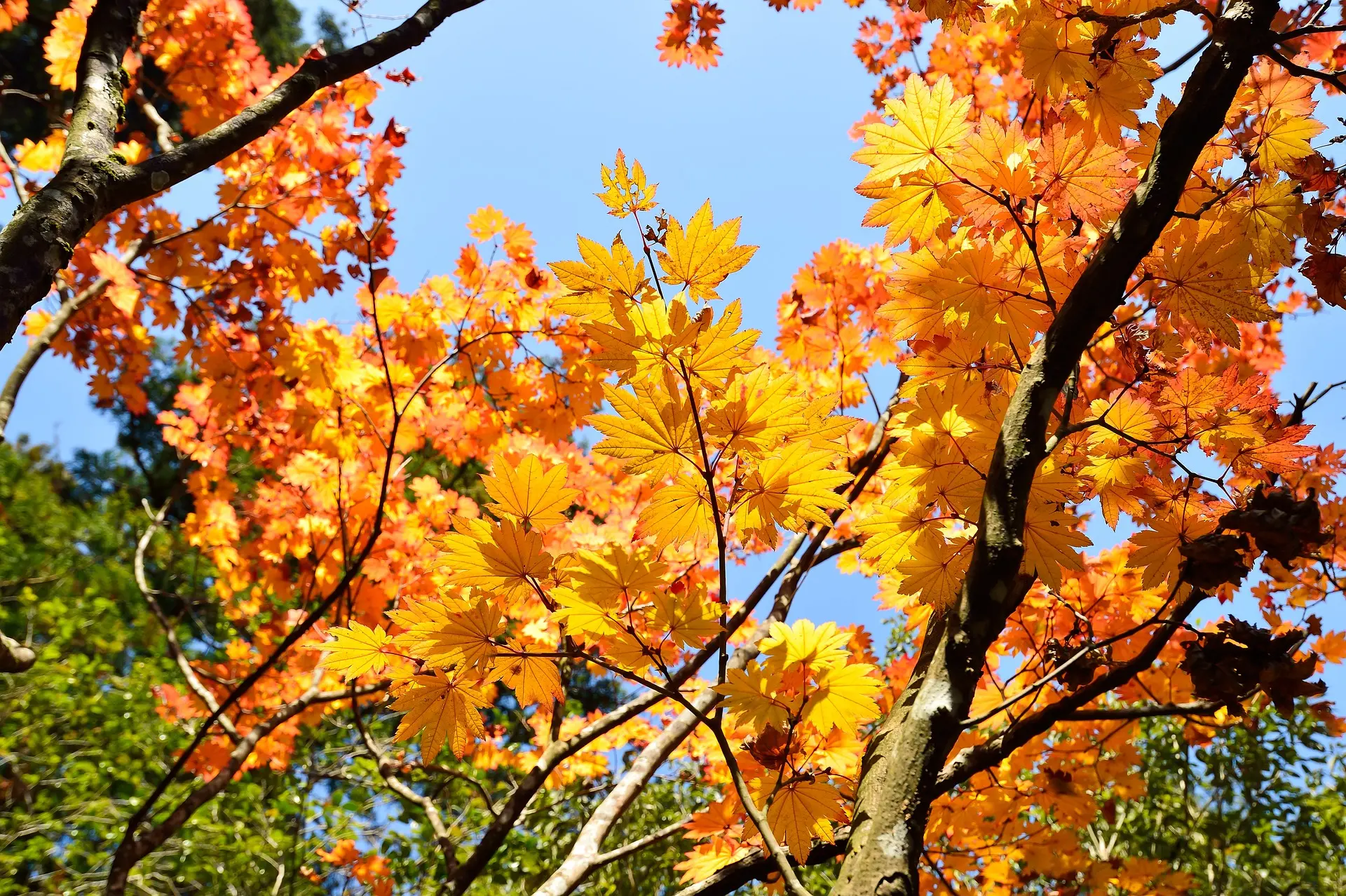
Convert JPEG to WebP using ImageMagick
In this blog, I have documented a brief example of converting a jpg/jpeg image to webp image format


Let us begin by understanding (briefly for now, more on this in later blogs) what is ImageMagick?
ImageMagick is a free and open-source tool for converting/compressing raster images.
What is WebP and why are we using this image format in the example below?
WebP is a raster image format developed by Google, WebP is based on technology developed by On2 Technologies which was later acquired by Google. WebPs lossy compression is based on VP8 video codec - Think of it as a key frame extracted from VP8 (will write more about this in a later blog).
Why convert to WebP?
WebP (widely supported across most types of devices) is a next-gen Image Format which in most scenarios gives better byte reduction at similar quality levels that a traditional image format like png/jpeg would provide. WebP lossless images are 26% smaller in size compared to PNGs. WebP lossy images are 25-34% smaller than comparable JPEG images at equivalent SSIM quality index.
Please find below a few commands I have run on my computer to convert a JPEG image to WebP at different lossy quality levels - 5, 25, 50 and 75. You can try these options to test the image at different quality levels using this (WebP) newer generation image format before deciding on the acceptable quality level.
magick autumn.jpg -quality 5 -define webp:lossless=false autumn5.webp
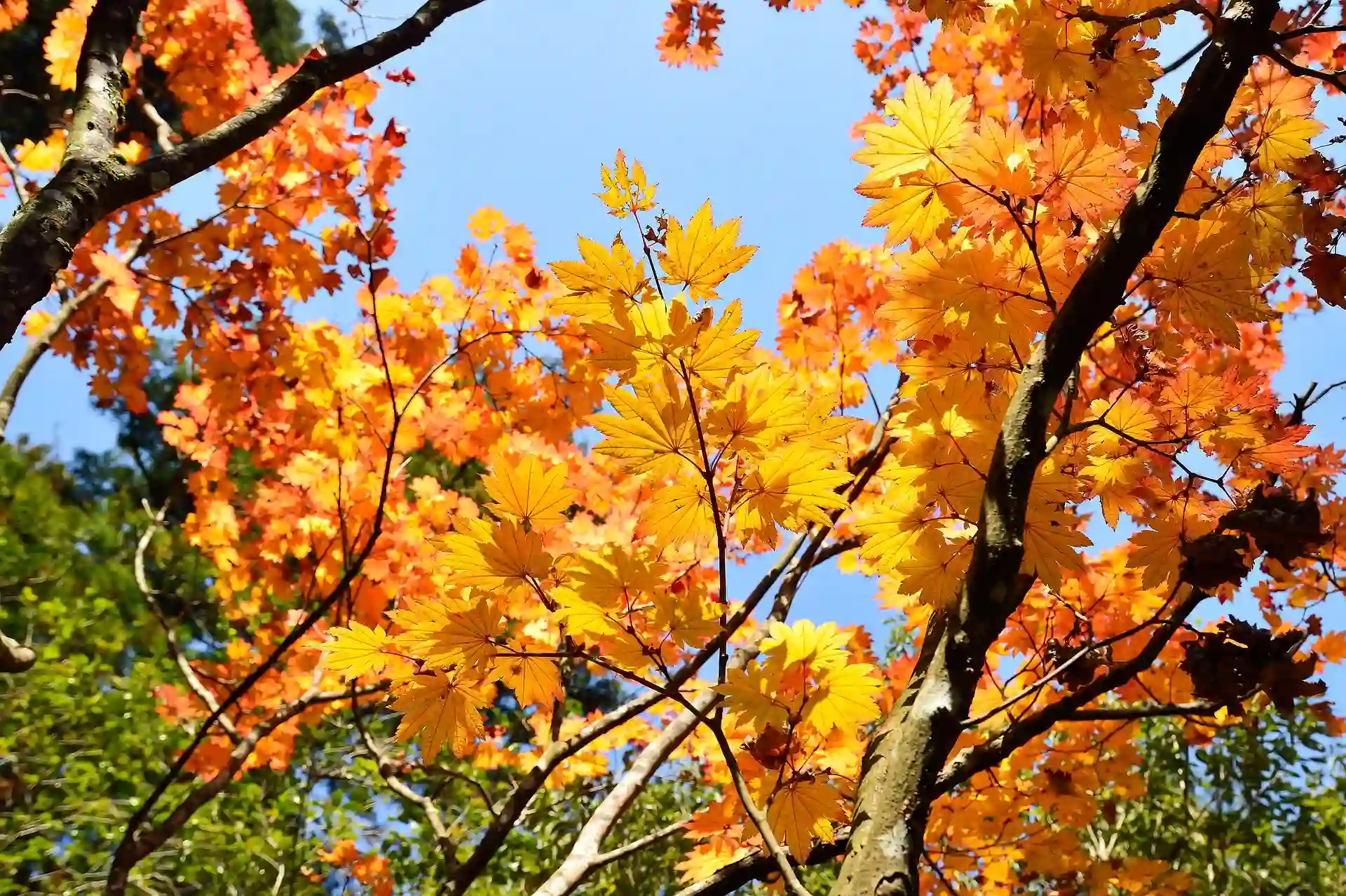
magick autumn.jpg -quality 25 -define webp:lossless=false autumn25.webp
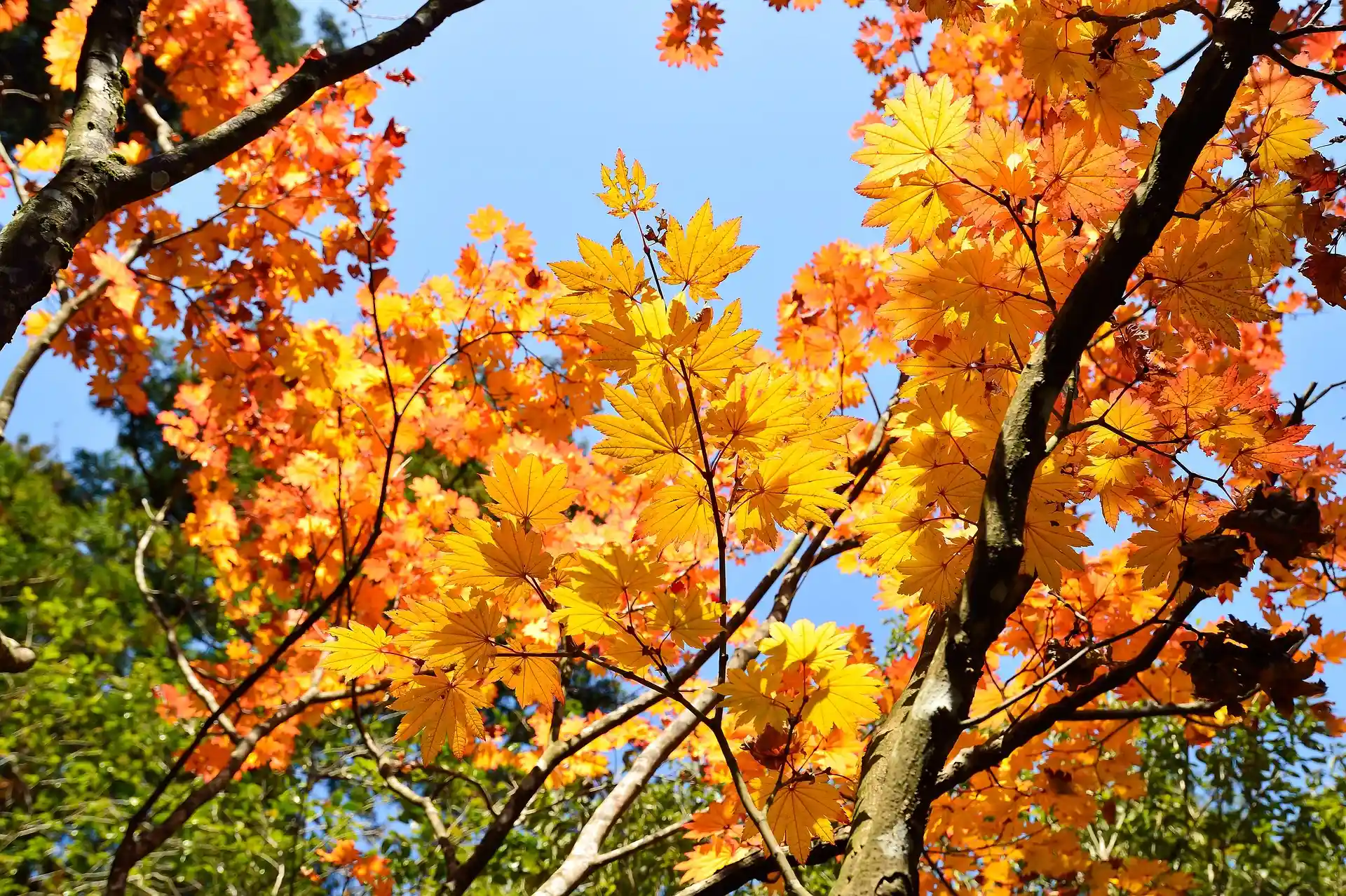
magick autumn.jpg -quality 50 -define webp:lossless=false autumn50.webp
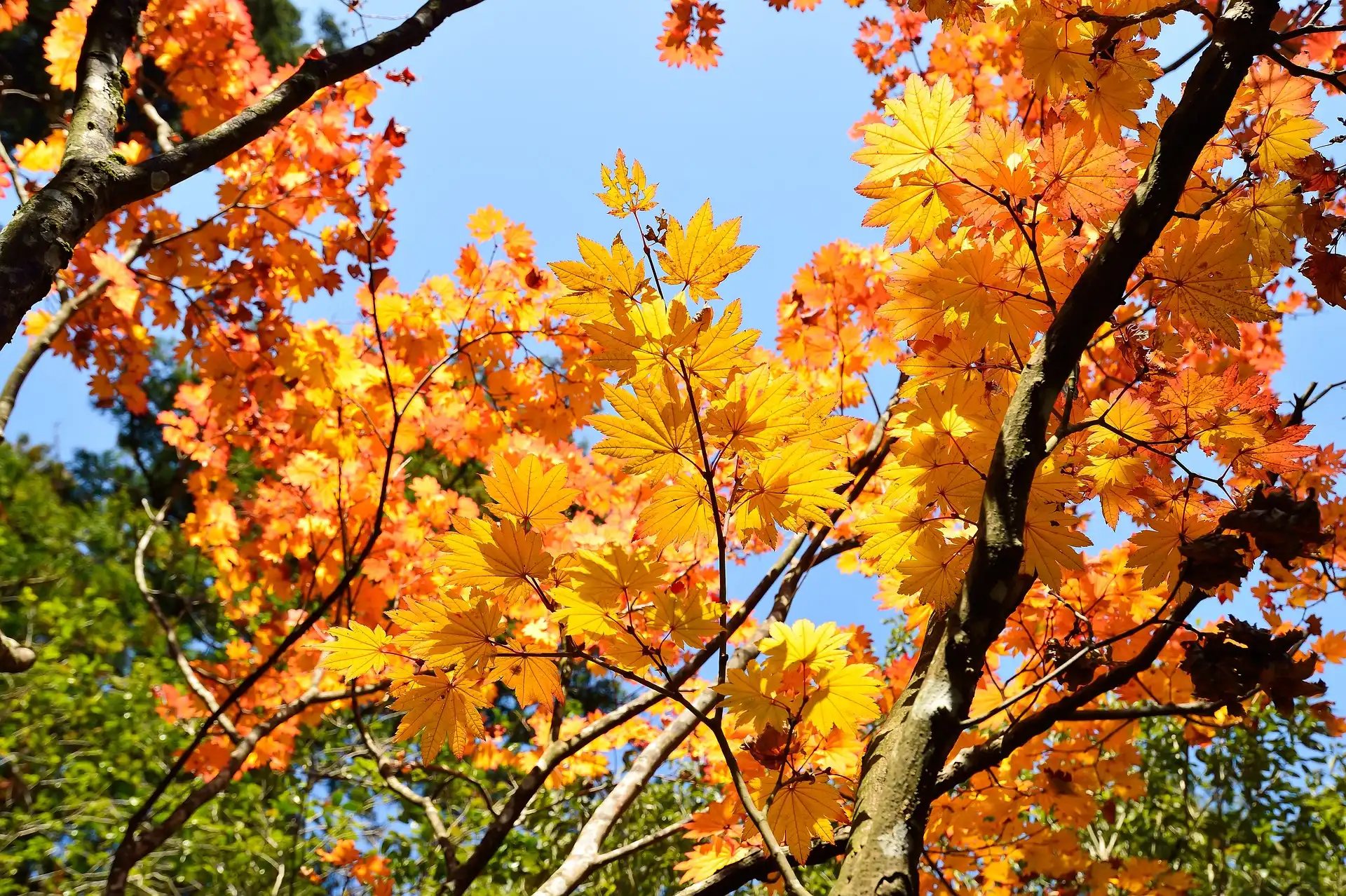
magick autumn.jpg -quality 75 -define webp:lossless=false autumn75.webp