Firefox 157 Will Enable JPEG-XL by Default
Discover how a safer Rust decoder paved the way for native JPEG-XL support in Firefox 157 and Chromium.


The Firefox team has announced its intent to ship JPEG-XL by default starting with Firefox 157.
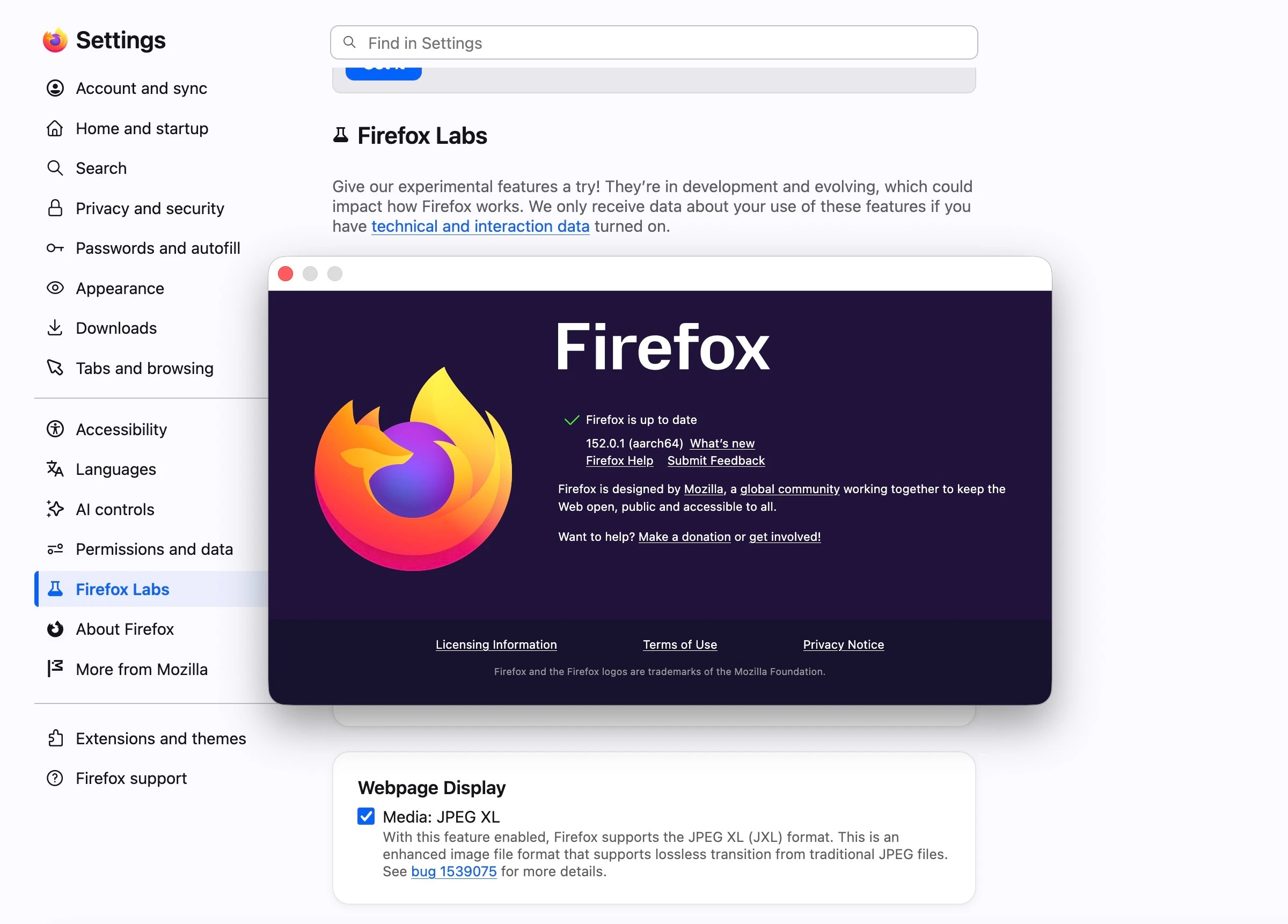
We previously published an article discussing Firefox’s addition of JXL support in the Nightly release of version 152. At the time, you had to enable it via a flag under Firefox Labs. However, starting with version 157, there is no longer a need to enable it manually—JXL images will render by default.
Firefox initially supported JXL behind a flag in a 2021 release but later rolled it back. This decision was due to security concerns regarding JPEG-XL’s 100,000 lines of multithreaded C++ code, which could have been vulnerable to attacks.
The Firefox team then challenged Google’s JPEG-XL research team to build a safer decoder. The Google team accepted this challenge, leading to an updated decoder written in Rust that is not only secure but also more performant.
JXL decoder written in Rust: https://github.com/libjxl/jxl-rs
This is the same implementation being used in Chromium. The Chromium team has also announced its intent to ship JXL in its browser engine, Blink.
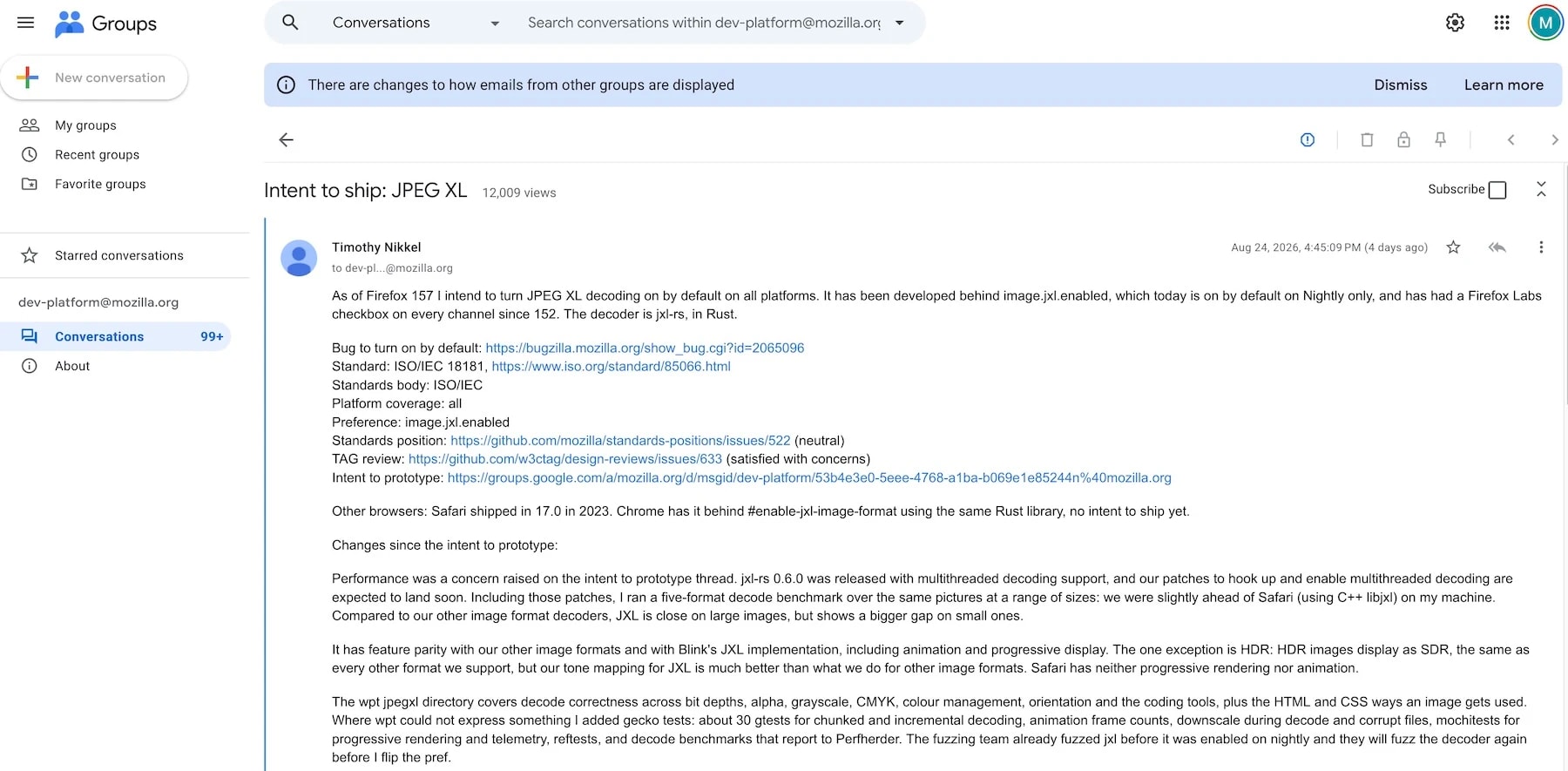
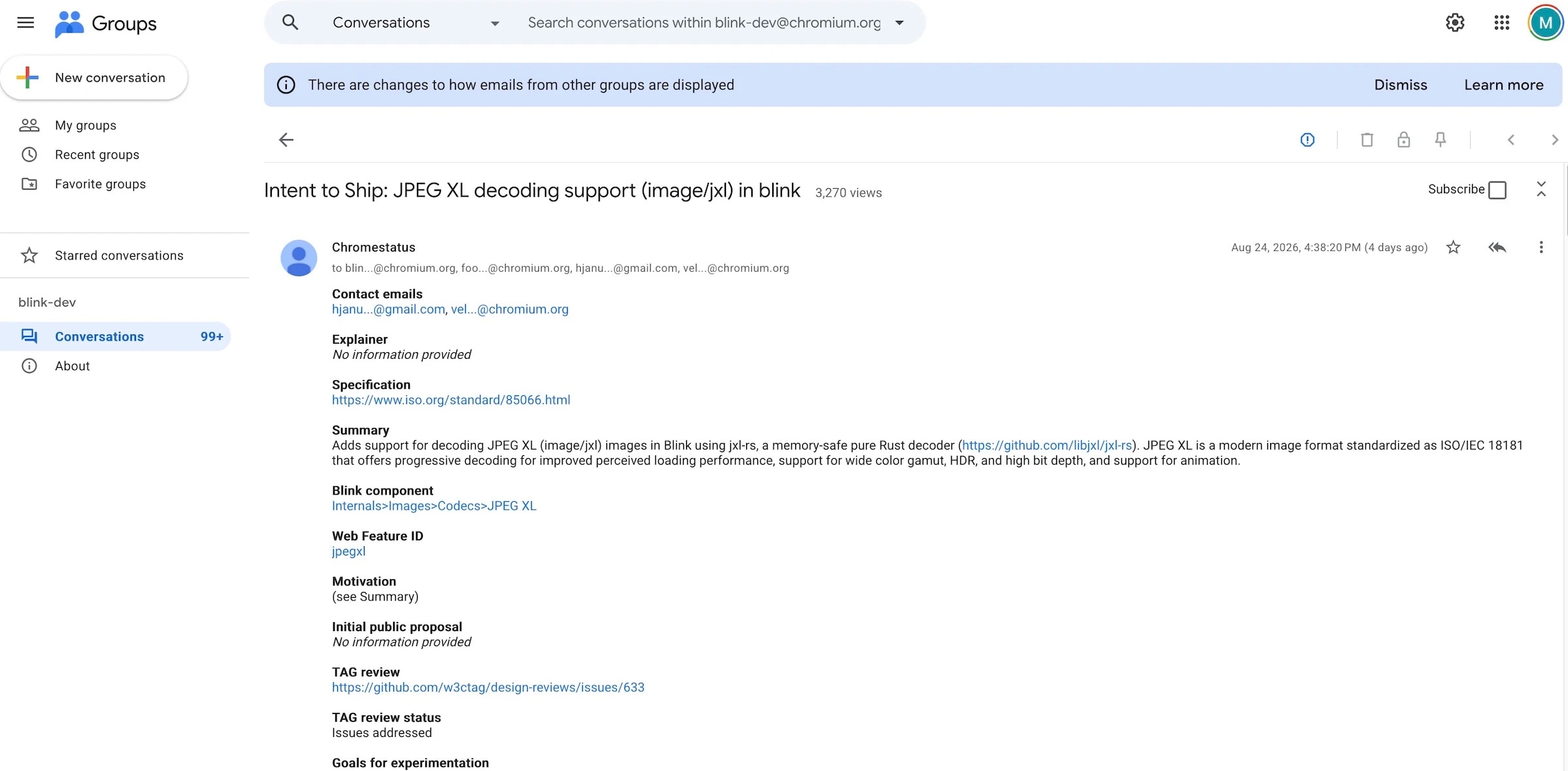
The current implementation includes support for progressive rendering. This comes in handy, especially for very large images, considering that AVIF’s progressive rendering is quite basic.
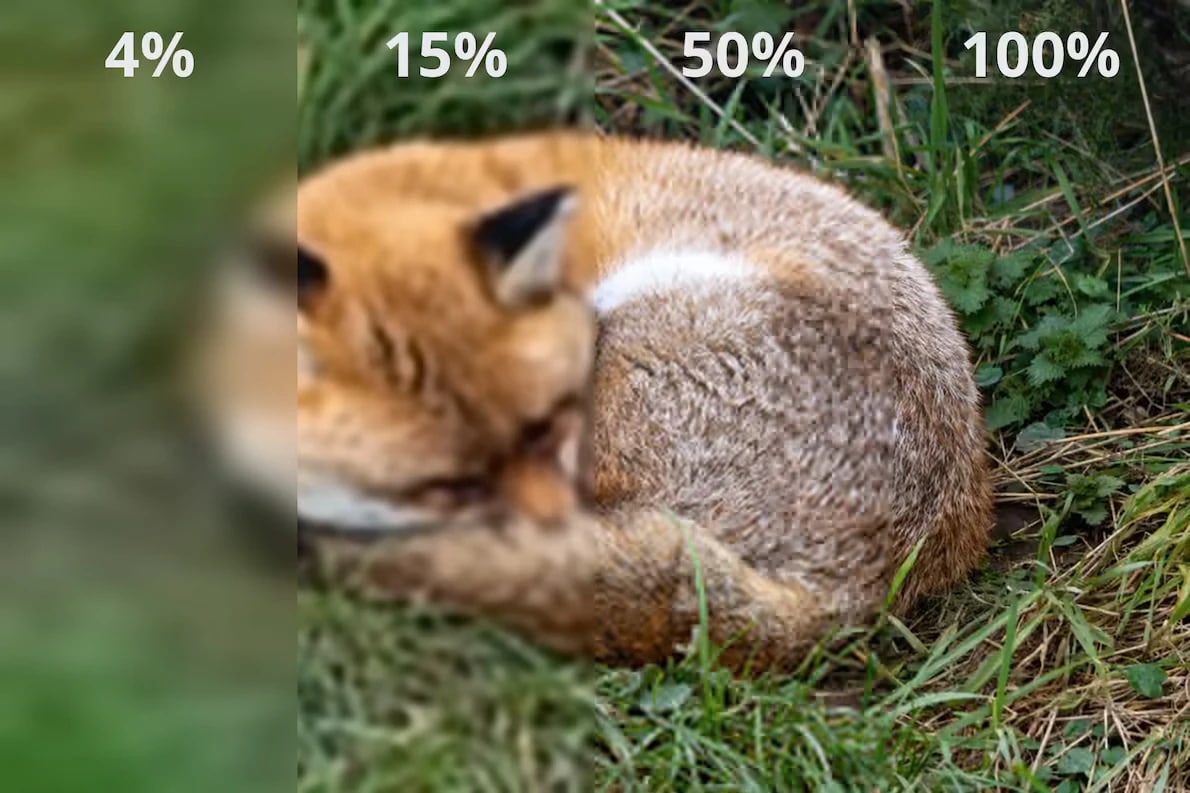 Source: Mozilla
We wrote a detailed article comparing JPEG-XL and AVIF. If you are interested, you can read it here