DNS Propagation
When will my DNS changes take effect?

What is DNS Propagation? When do I encounter it?
While the term “DNS propagation” is commonly used, it technically refers to cache expiration rather than data physically moving across the DNS system. You generally encounter this concept during critical but infrequent DNS changes, which can catch you unprepared if you aren’t familiar with the process.
DNS is a critical component as it is the intelligence that powers the internet. Without it, your browser wouldn’t know which server to connect to.
Imagine DNS migration from one vendor to another or even a traffic split across two or more DNS vendors for redundancy and other factors.
The first thing you need to do in such scenarios is ensure you bring down the TTL for NS records to a nominal value.
Let us assume your NS records on GoDaddy were configured with a TTL of 172800 seconds (2 days) and you were planning to migrate this zone to Akamai EdgeDNS service/AWS Route 53. The best practice is to lower the NS TTL to 300 seconds and wait a couple of days for ISPs and other intermediaries to pick up the new, shorter TTL. This lower TTL allows greater flexibility to move traffic from one DNS server to another and allows for a quick rollback (within 5 minutes) if any issues arise. You could decide to go lower than this if needed, I have gone as low as 120 seconds on zone migrations in the past.
Seems a simple DNS change. What could go wrong?
Plenty. As simple as it sounds—and in a practical sense, it is a simple change—there are variables that we do not control. Below are a few things that can, and have, gone wrong in my experience working on DNS migrations:
- DNS Cache: As discussed above, this is the duration set by the authoritative server for its DNS records. It is expected for you to set long TTLs for several records, especially NS records, which do not change unless forced by a hosting provider or due to migration etc. Before a move, it is strongly recommended to bring the TTL down, allowing ISPs to clear their previously cached entries and request these records again with the new TTL.
- Registrar: Your DNS zone could be hosted at your registrar, as some registrars provide Authoritative DNS services too. Many businesses purchase a domain from GoDaddy or Namecheap but host their zone on AWS, Akamai, Cloudflare, etc., for DDoS mitigation benefits and distributed, low-latency DNS servers. When you make such changes, the registrar updates the NS records pointing to AWS, Akamai, etc. There can be rare instances where propagation delays are caused at this specific leg.
- ISP Cache: While ISPs and other intermediaries are supposed to honor the TTL configured by authoritative systems, it’s quite normal for ISPs to cache longer and ignore the TTL. This allows ISPs to provide faster responses to recursive queries and reduces the iterative burden on their Resolver Name Servers. This is the most difficult problem to solve, as it’s nearly impossible to contact individual ISPs to request a DNS cache flush.
Tools to test DNS propagation post-migration/changes?
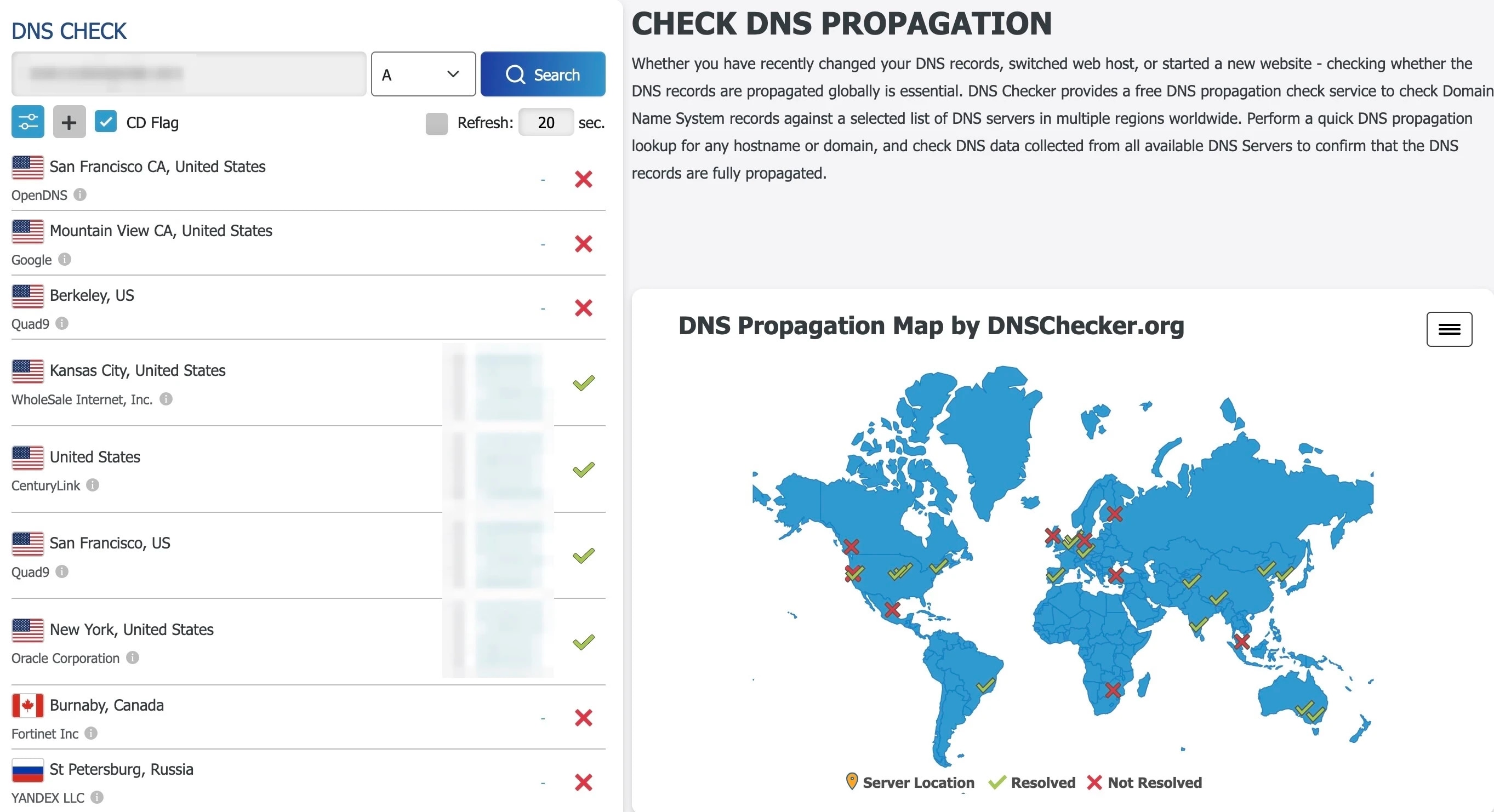
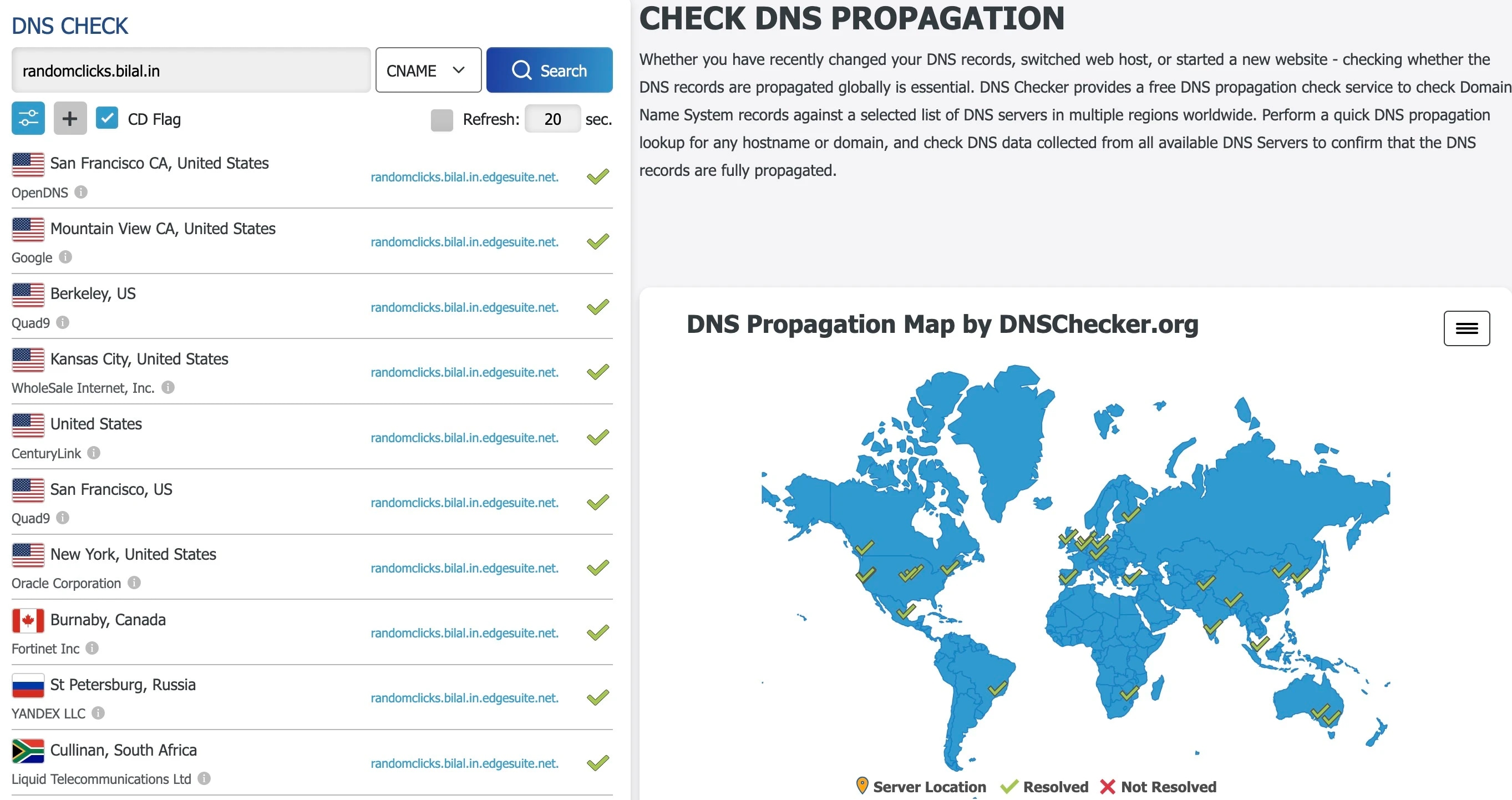
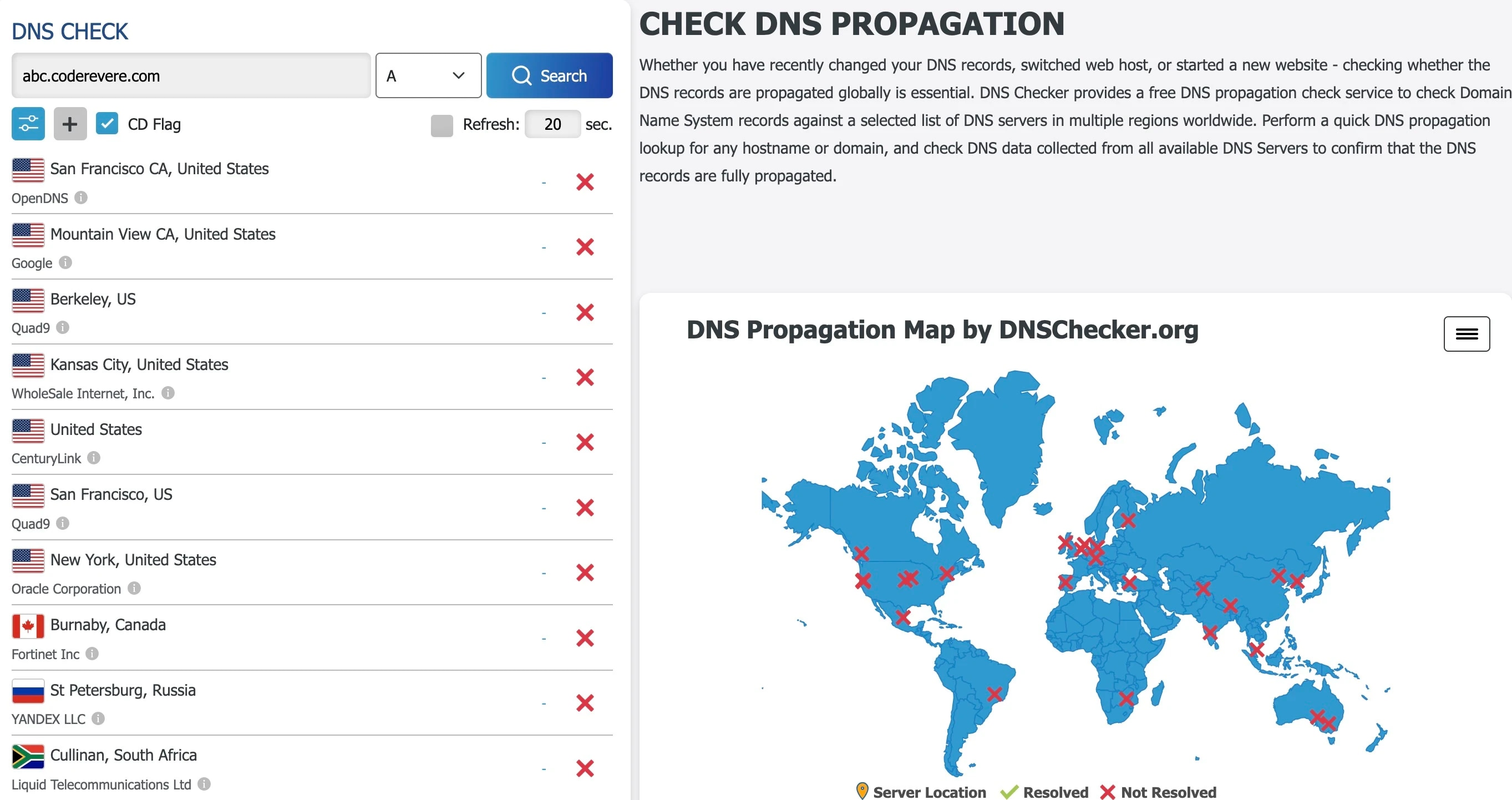
I use tools such as DNS Checker, Whats my DNS etc. Sharing below a few snapshots demonstrating fully propagated records, partial propagation and failed migration/absence of critical records.
While your mileage may vary with these tools, they are a good indicator post-DNS changes.